 Level Editor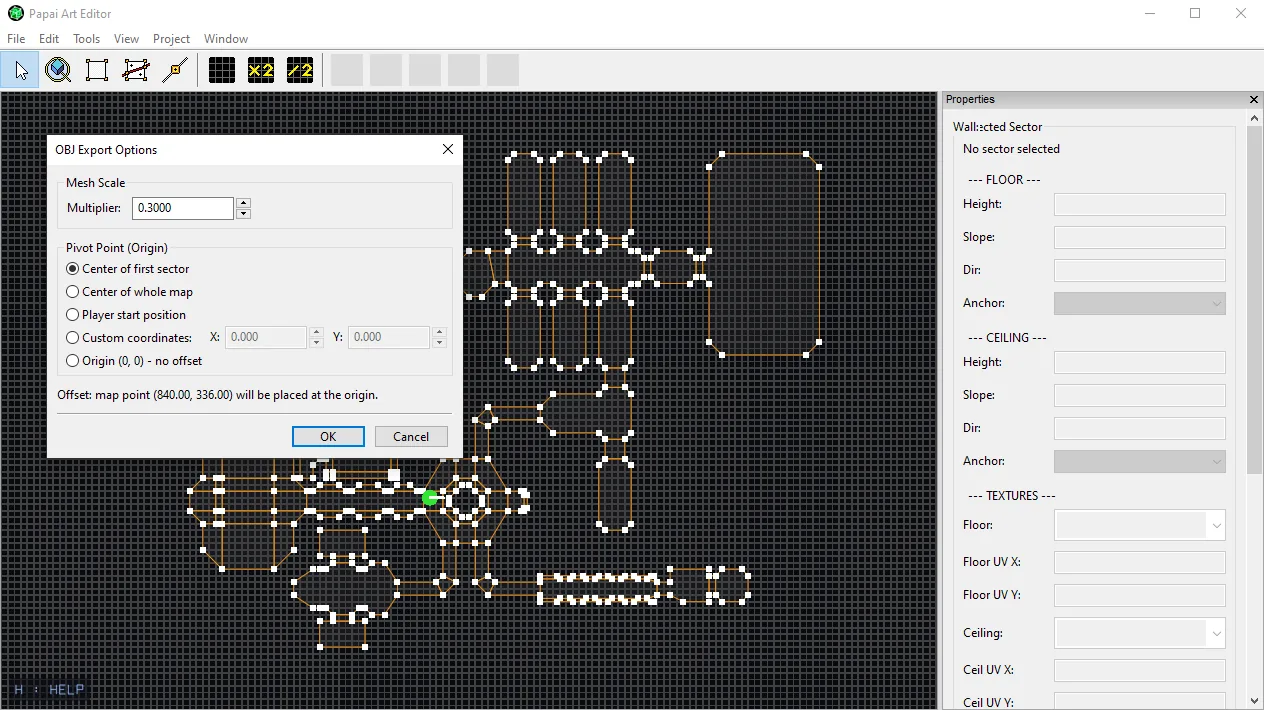
New: OBJ Export Options
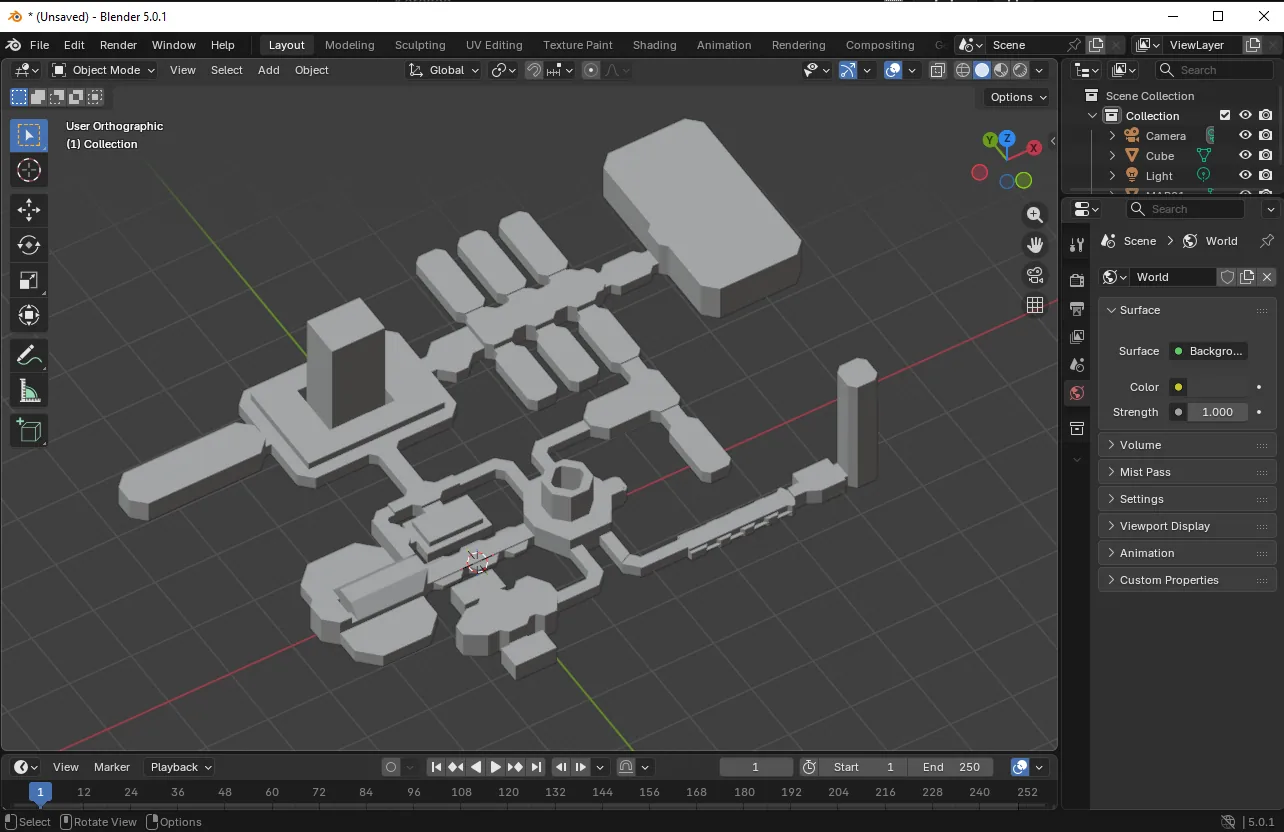
Exporting your level to OBJ just got a lot more flexible. Instead of dumping the mesh at a fixed size and position, File → Export to OBJ… now opens an options dialog first.
Mesh Scale A single uniform multiplier for the whole mesh. Need your level to come in at real-world units, or match the scale of another tool's import settings? Just set the multiplier — no more rescaling everything by hand after import. (This is independent of texture scaling, so your UVs stay exactly as authored.)
Pivot Point (Origin) You can now decide where the exported mesh's origin sits, which matters a lot when you drop it into another engine:
- Center of first sector — handy when your starting room is the natural anchor
- Center of whole map — keeps everything balanced around (0,0,0)
- Player start position — origin lands right where the player spawns
- Custom coordinates — type exact X/Y if you know precisely what you want
- Origin (0,0) — the original behavior, no recentering
The dialog also shows a live readout of which map point will end up at the origin, and it automatically disables options your current map can't satisfy (e.g. "Player start" when no player is placed).
Small quality-of-life change, but it removes a whole round-trip of fixing scale and pivot after every export. Enjoy!