Learn & documentation

Articles from 2D drawing to rendering

Detailed bilingual (English/Hungarian) articles about the software's capabilities, workflows, and internals.

Overview

Start here

If you've never used PapaiArt Animation Studio before, this article shows what makes it different from other animation tools.
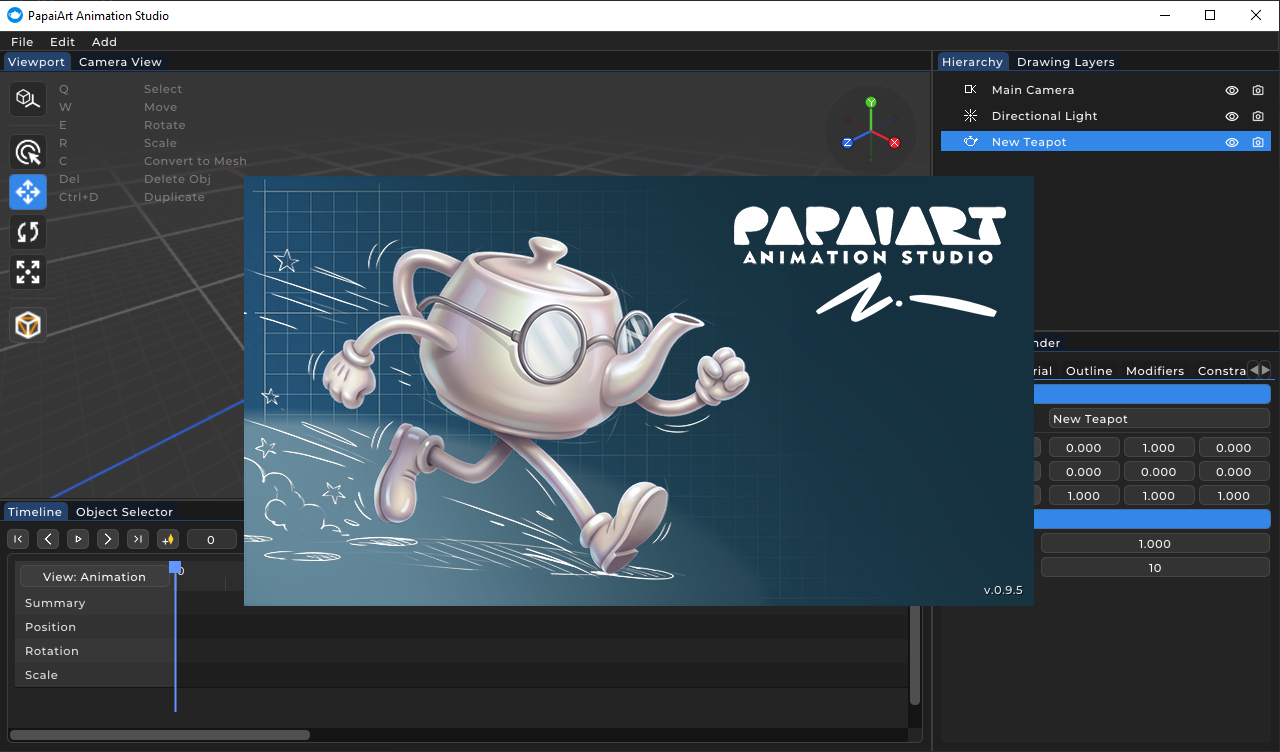
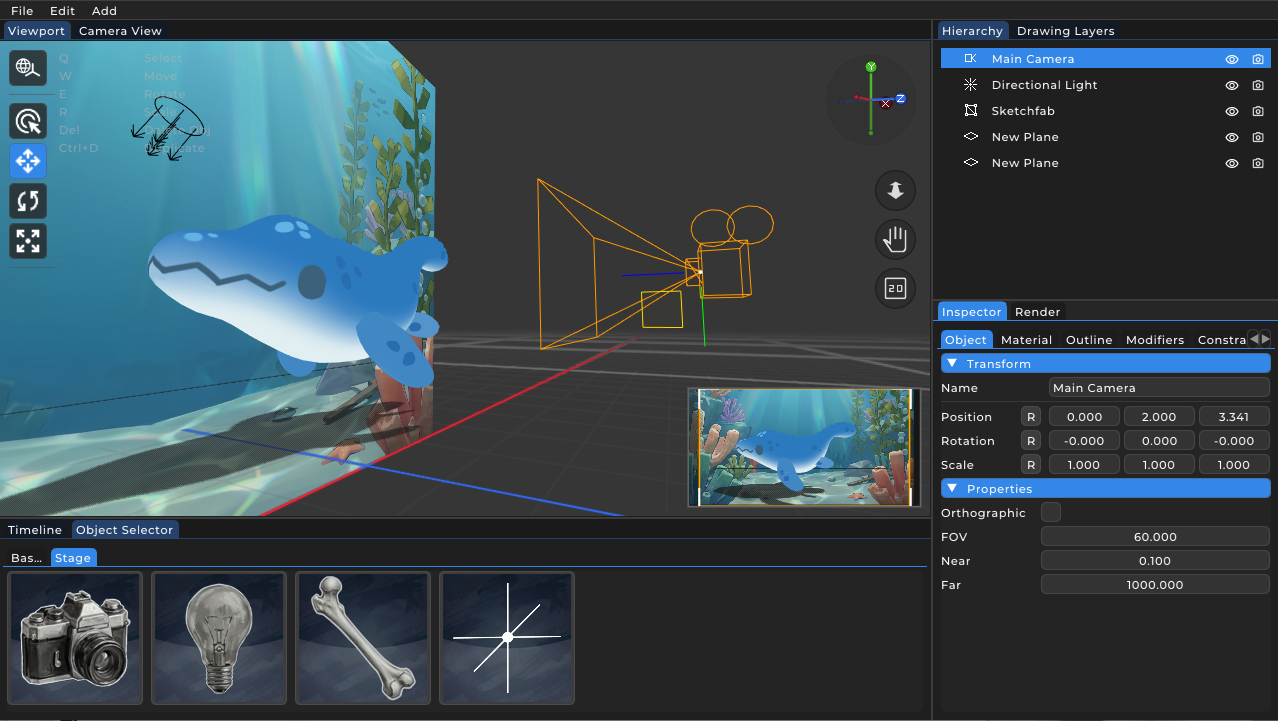
Overview of PapaiArt Animation Studio interface
Overview

Why is PapaiArt Animation Studio special?

The fusion of 2D and 3D, lightweight performance, pro-grade rigging, and built-in video export — what sets it apart.

Read more →
Detailed software capabilities of PapaiArt Animation Studio
Reference

Detailed software capabilities

A category-organised feature list: 3D modeling, 2D animation, rigging, modifiers, render, export, and UI.

Read more →
Workflows

Deep dive

Topic articles on the main workflows — every article is available in English and Hungarian.

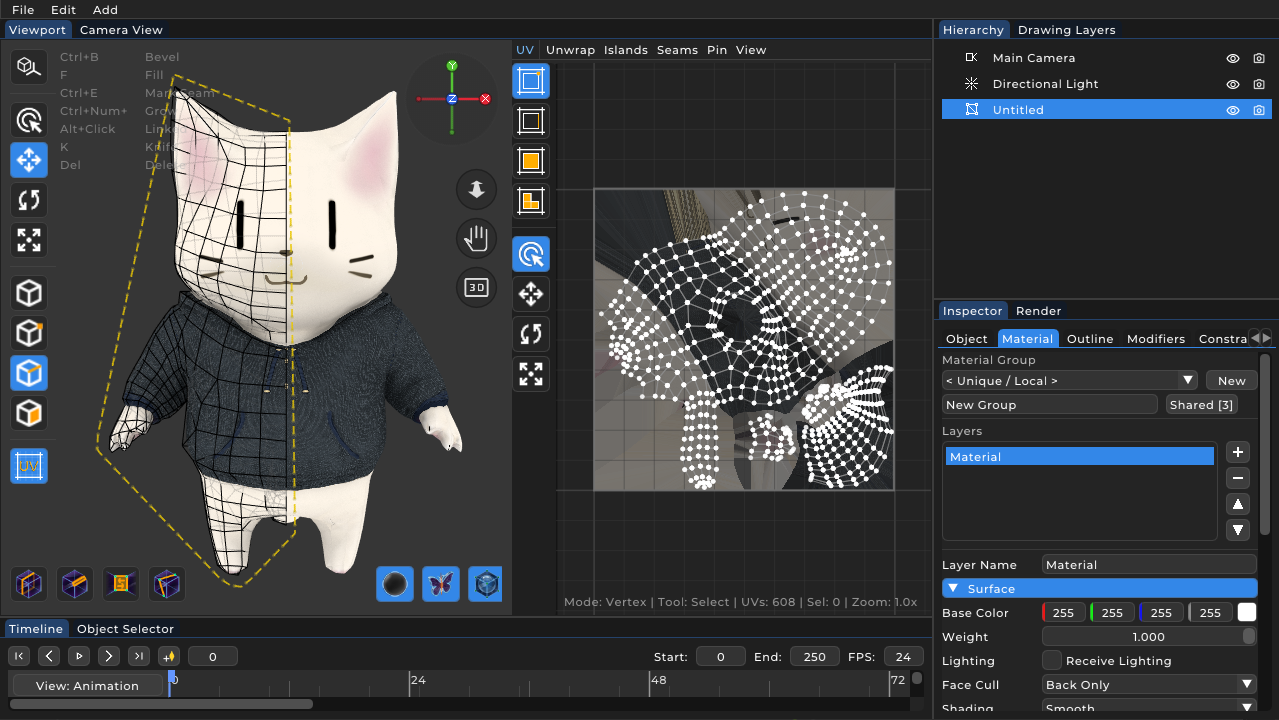
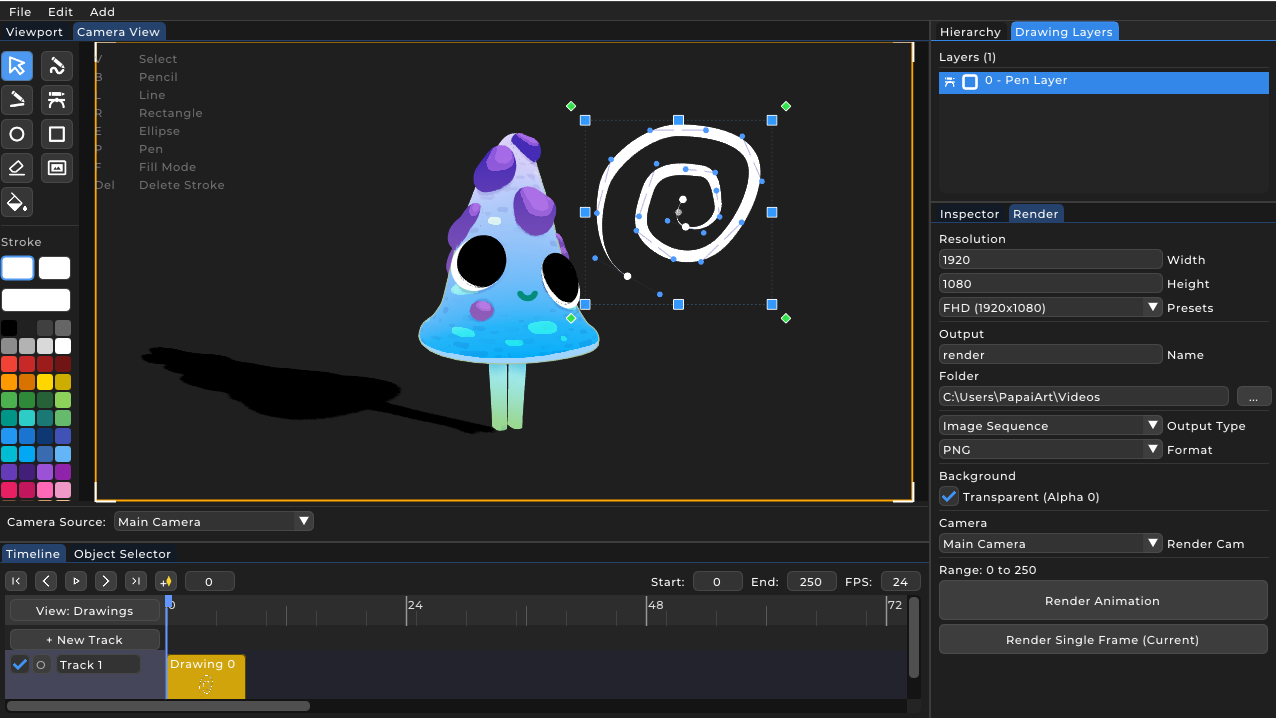
2D vector drawing in 3D space — PapaiArt 2D workflow
2D workflow

2D animation in 3D space

Drawing tracks, vector brushes, polygon fills, drawing layers, and onion skinning.

Read more →
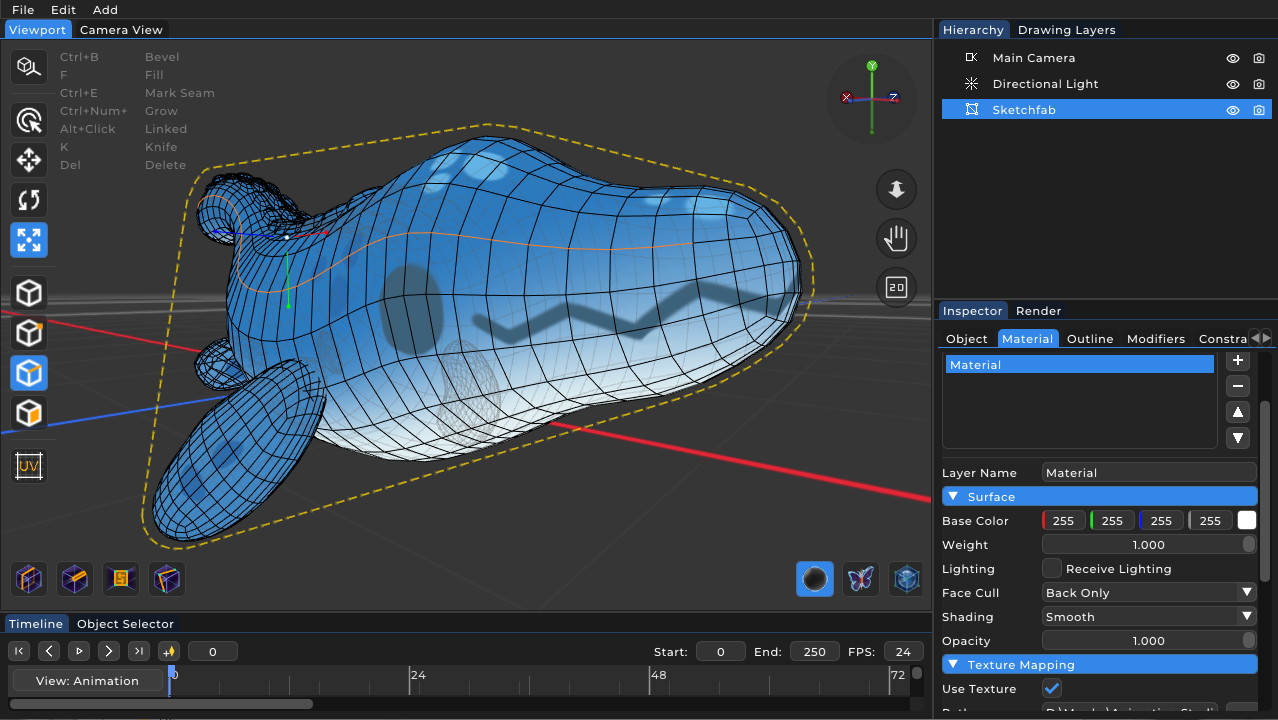
3D modeling workflow with bevel, knife and modifier stack
3D workflow

3D modeling and scene building

Polygonal meshes, primitives, Bevel and Knife, hierarchy, modifier stack.

Read more →
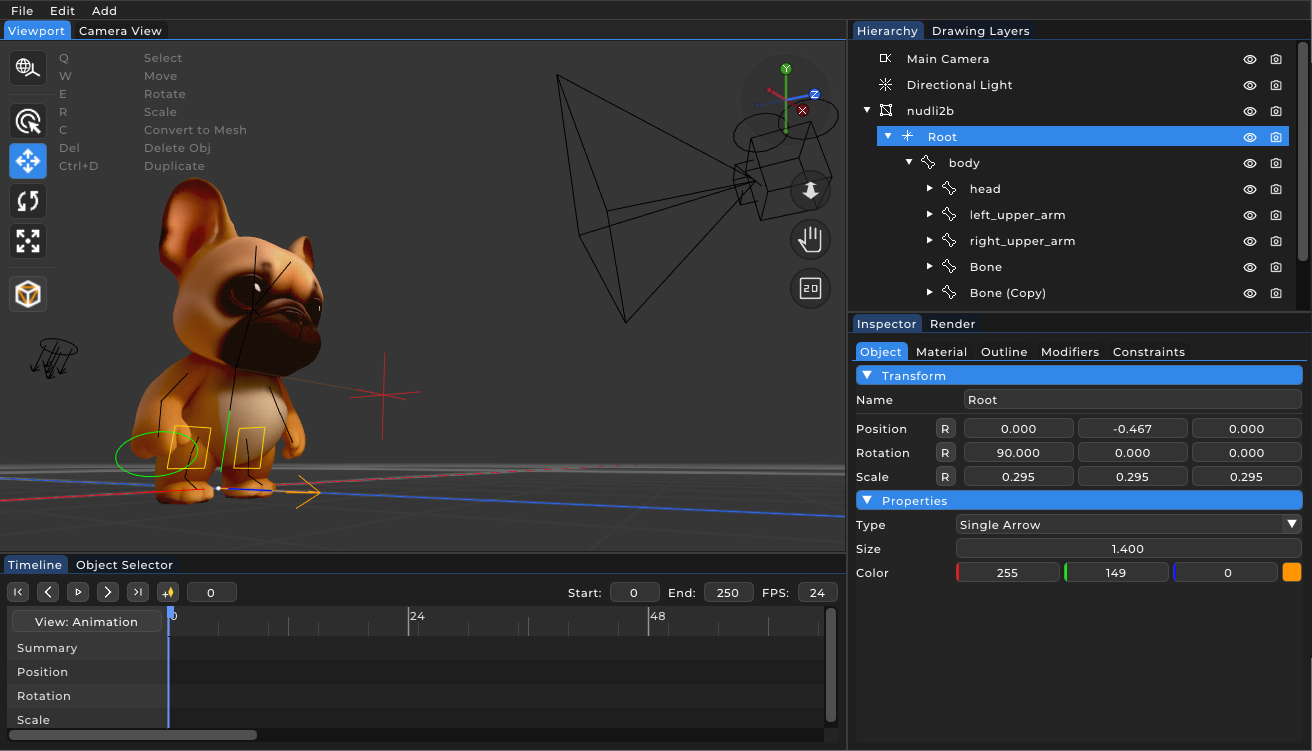
Rigging panel with IK and constraints in PapaiArt Animation Studio
Rigging

Rigging and constraints

Using Inverse Kinematics (IK), TrackTo, ChildOf, Copy, and Limit constraints.

Read more →
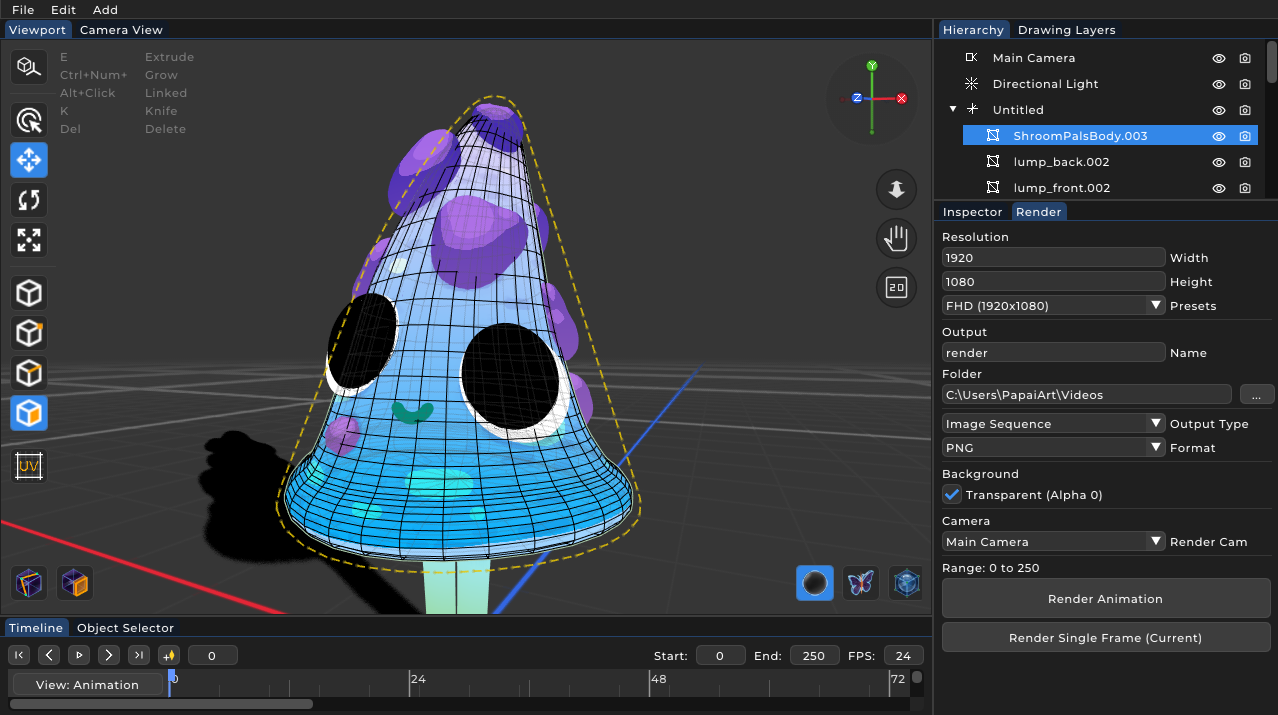
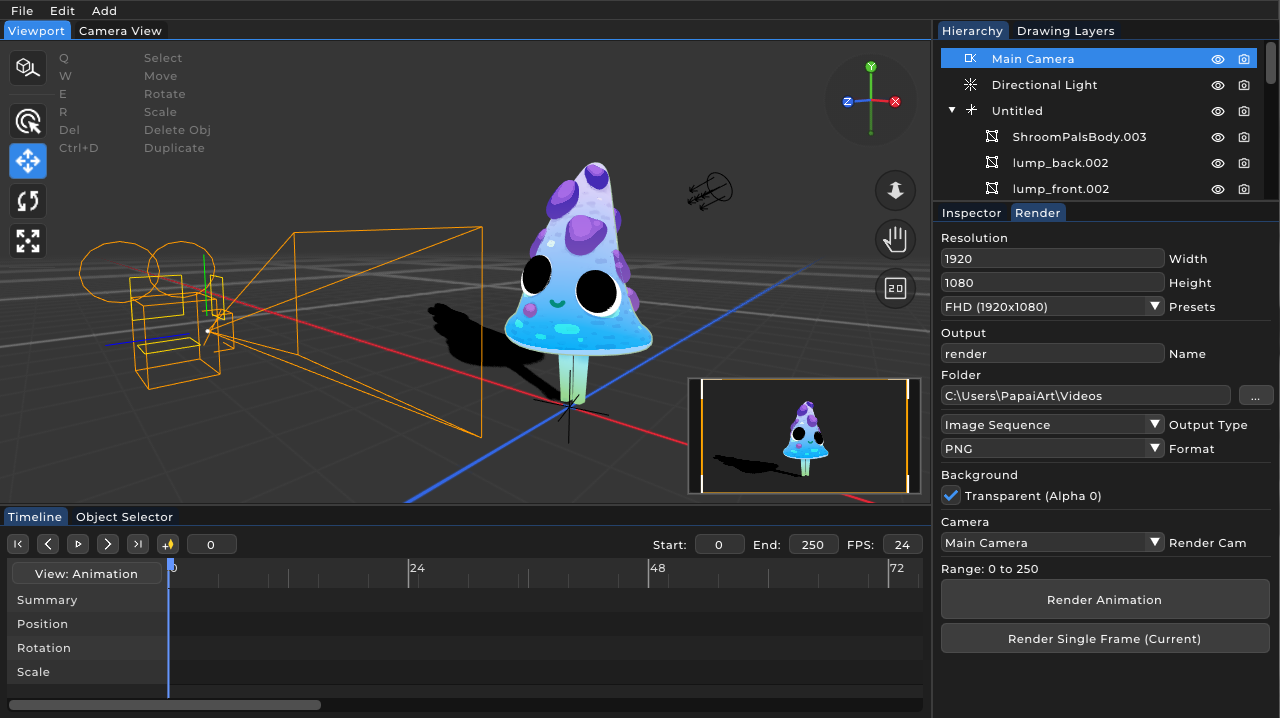
Render panel — H.264 MP4 and PNG image-sequence export
Render & Export

Render & video export

Real-time render pipeline, image sequence (PNG), and direct MP4 (H.264) encoding.

Read more →
Modular UI panel system: Inspector, Viewport, Timeline, Hierarchy
Architecture

UI architecture

Modular panel system: Inspector, Viewport, Timeline, Hierarchy — how they work together.

Read more →
2.5D visual style — combining 2D drawing with 3D depth
Inspiration

2.5D visual style for beginners

How to combine the freedom of 2D drawing with 3D depth to develop unique styles.

Read more →

Try what you've read

The best way to learn: register for the beta and follow the article steps on your own machine on launch day.

Join the beta