Doom-style level editor

PapaiArt ToolsLevel Editor

The classic sketch-first sector workflow. Draw polygons on a 2D grid, push floors and ceilings around, drop in a player start, and you are already walking through the level.

Releasedv2.0.0Windows$20 · One-time purchase
PapaiArt Tools – Level Editor
Level Editor interface
Status
Released
Latest version
v2.0.0
Platform
Windows
Price
$20
Last update
Sep 19, 2026
Overview

Draw a room. Walk through it. Ship it to Unity, Godot, TrenchBroom or EasyFPSEditor.

Level Editor is built around the classic Doom sector workflow, the fast, sketch-first approach behind some of the most memorable shooters ever made. Draw polygons on a 2D grid, set floor and ceiling heights, textures and light, then press Tab to walk through it in first person.

When the map is ready, it goes wherever your project lives: a one-drop Unity package, OBJ and GLB, a Valve 220 Quake .map for TrenchBroom and Godot, or straight into an EasyFPSEditor project. Version 2.0 adds sector light and colour, upper and lower wall textures, free-standing walls and Doom WAD import.

It's made for indie developers, modders, hobbyists, students and weekend tinkerers, anyone who wants to work on the shape of a space instead of on their tools.

Features

What's inside

01 / 04

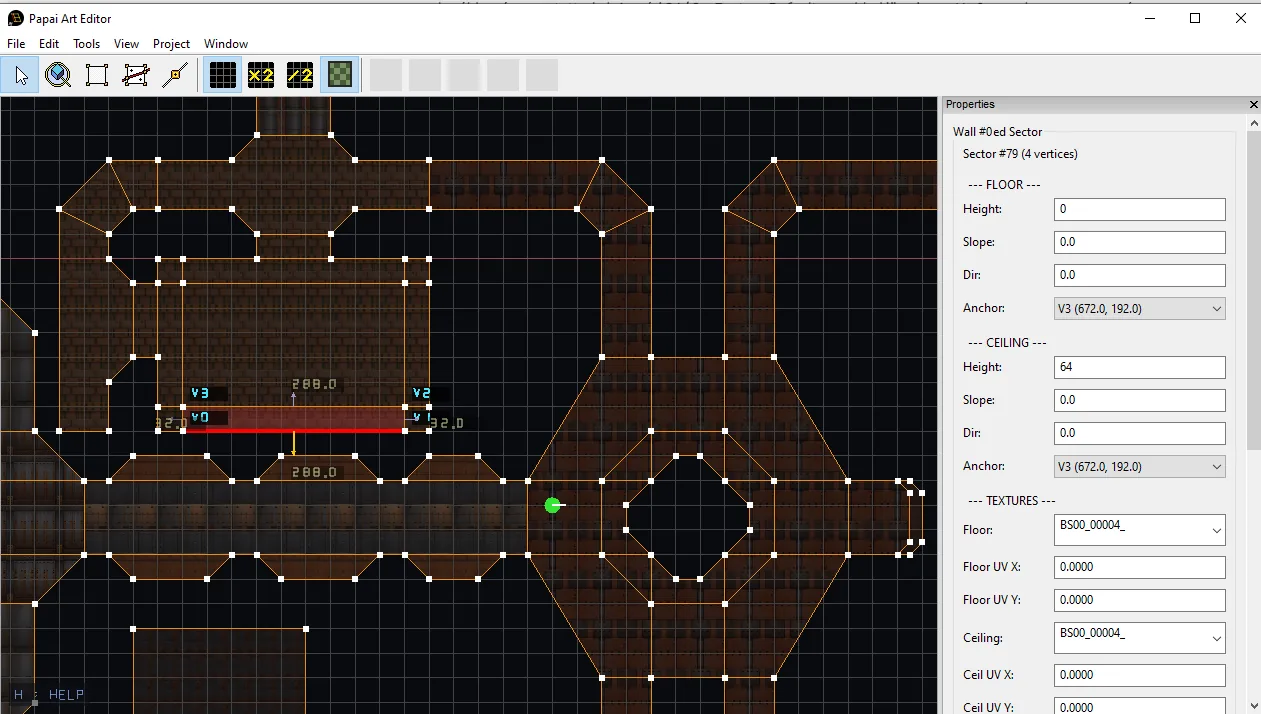
Sketch in 2D

Click to drop vertices or drag out whole shapes. Sectors snap, nest and split the way you expect.

  • Sector drawing with vertex snapping, plus drag-to-draw rectangle, ellipse, star and stairs
  • Nested sectors: pedestals, pillars and holes with real portal walls
  • Drawing over a sector splits it cleanly (robust Clipper2 polygon clipping)
  • Marquee selection with a scale/rotate gizmo; duplicates float until you place them
  • Floor textures shown faintly in the 2D plan view, aligned exactly like in 3D
Level Editor: Sketch in 2D
02 / 04

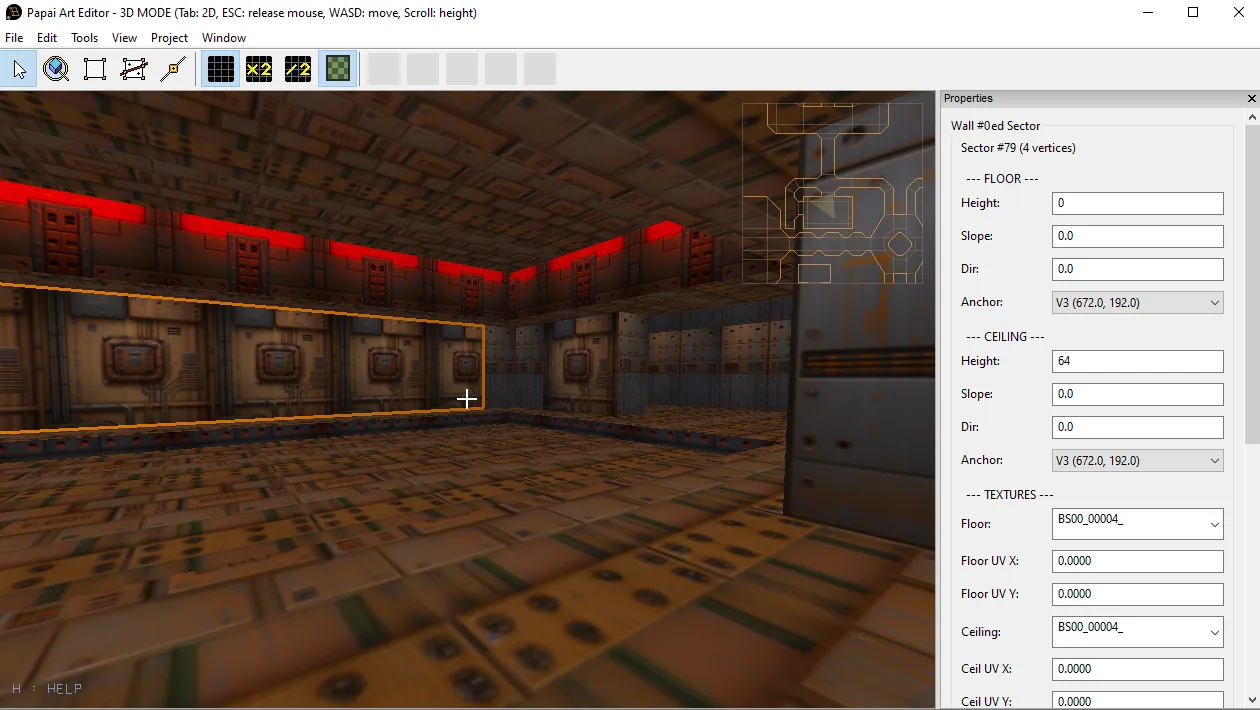
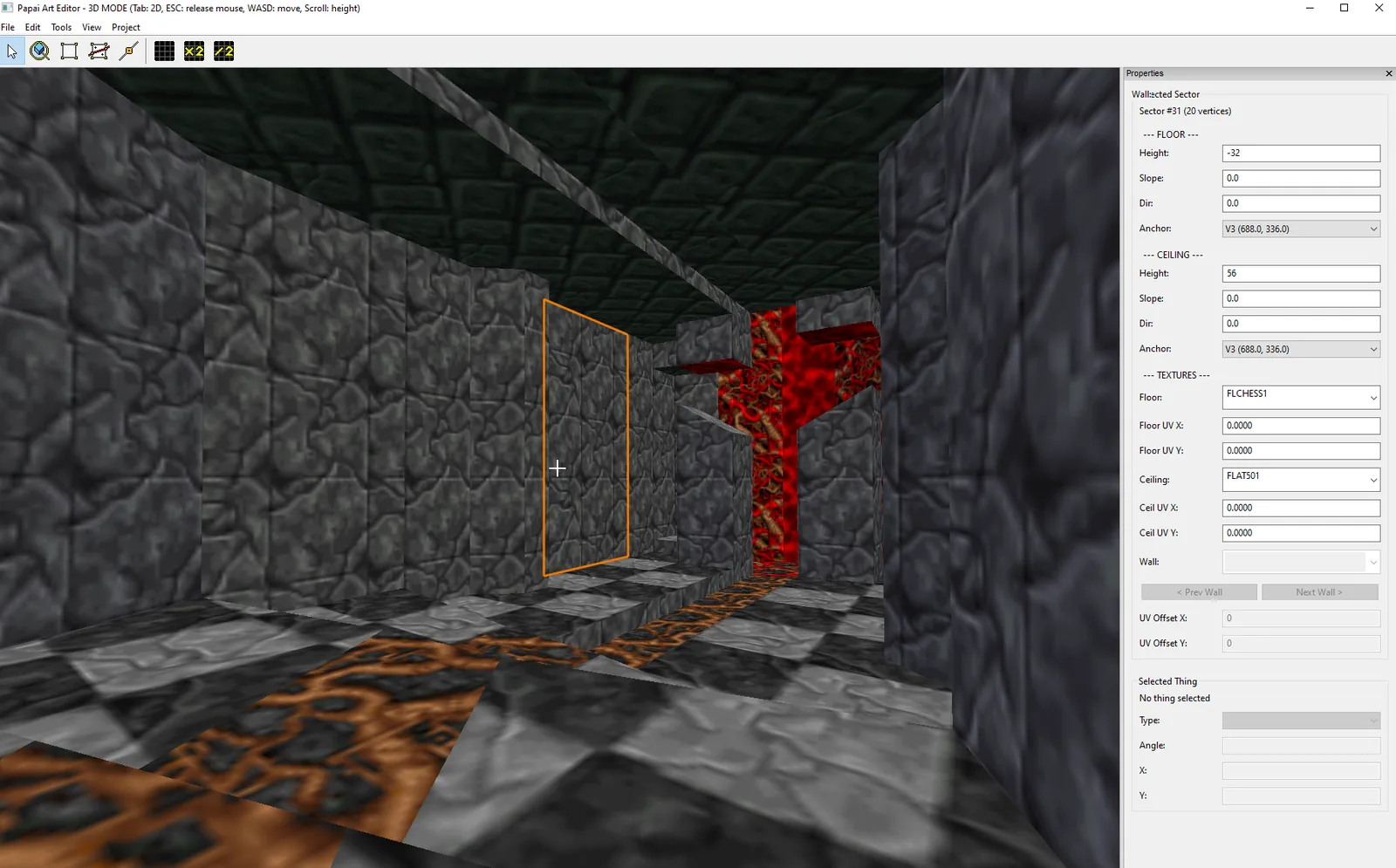
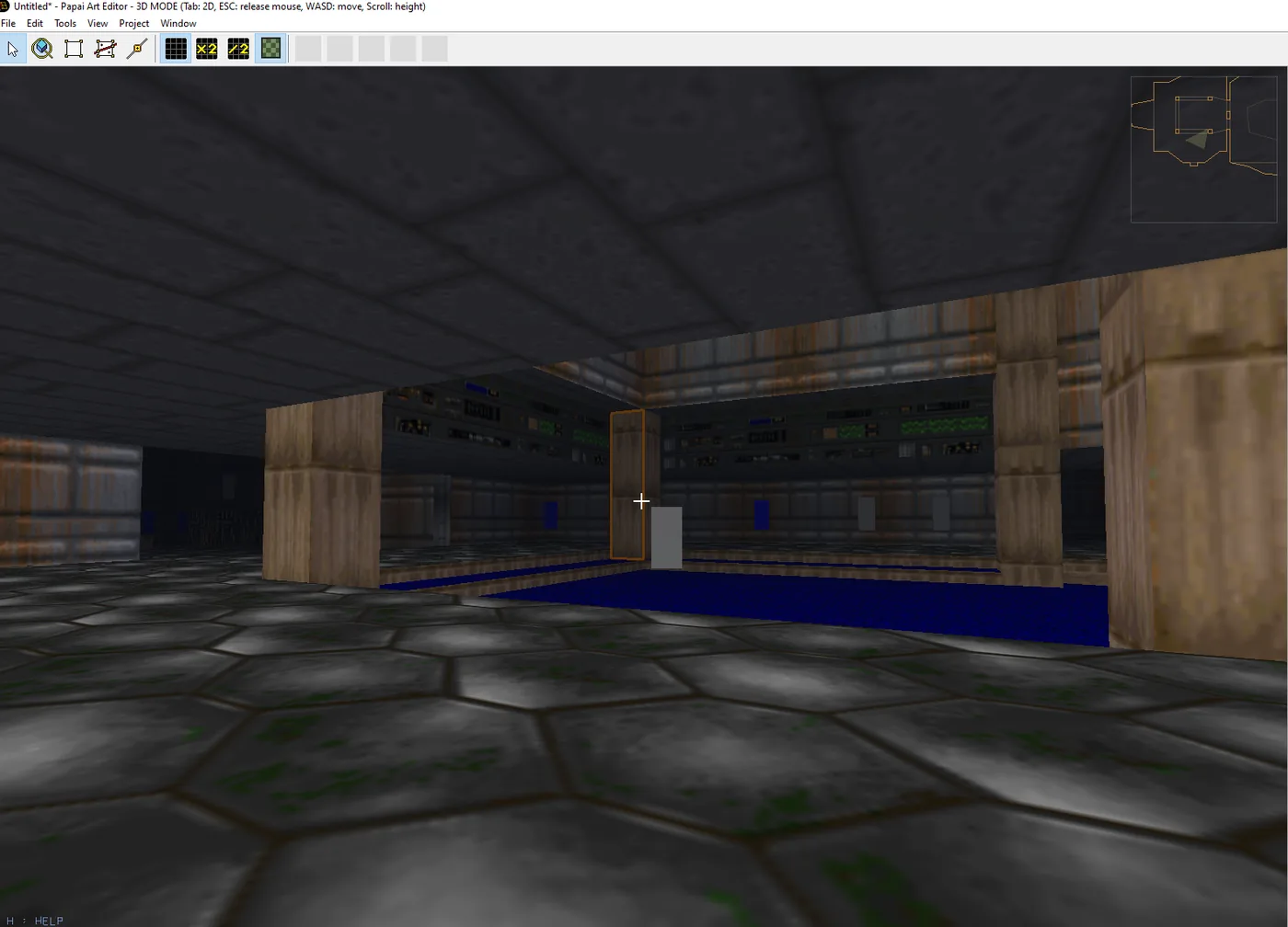
Walk it in 3D

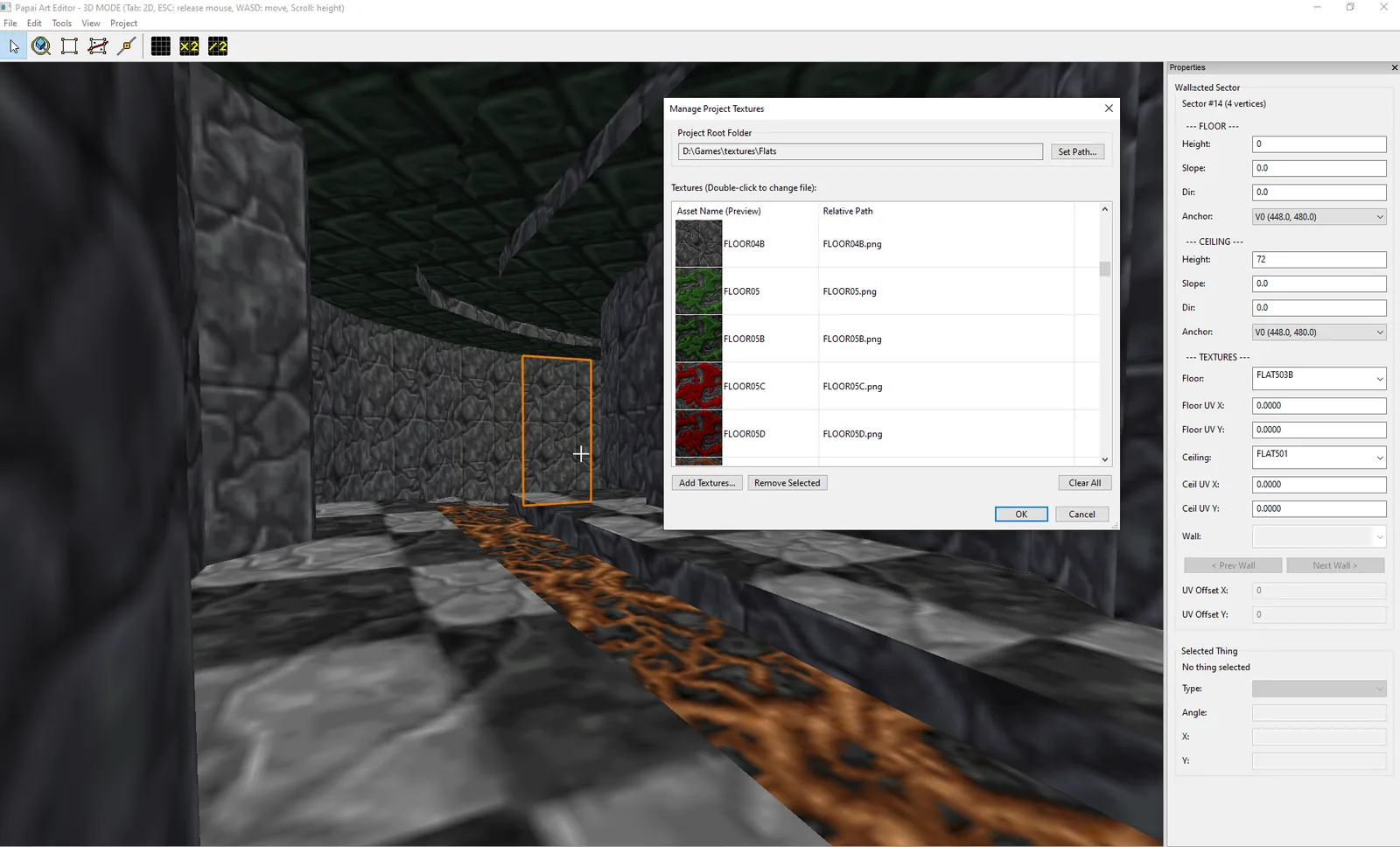
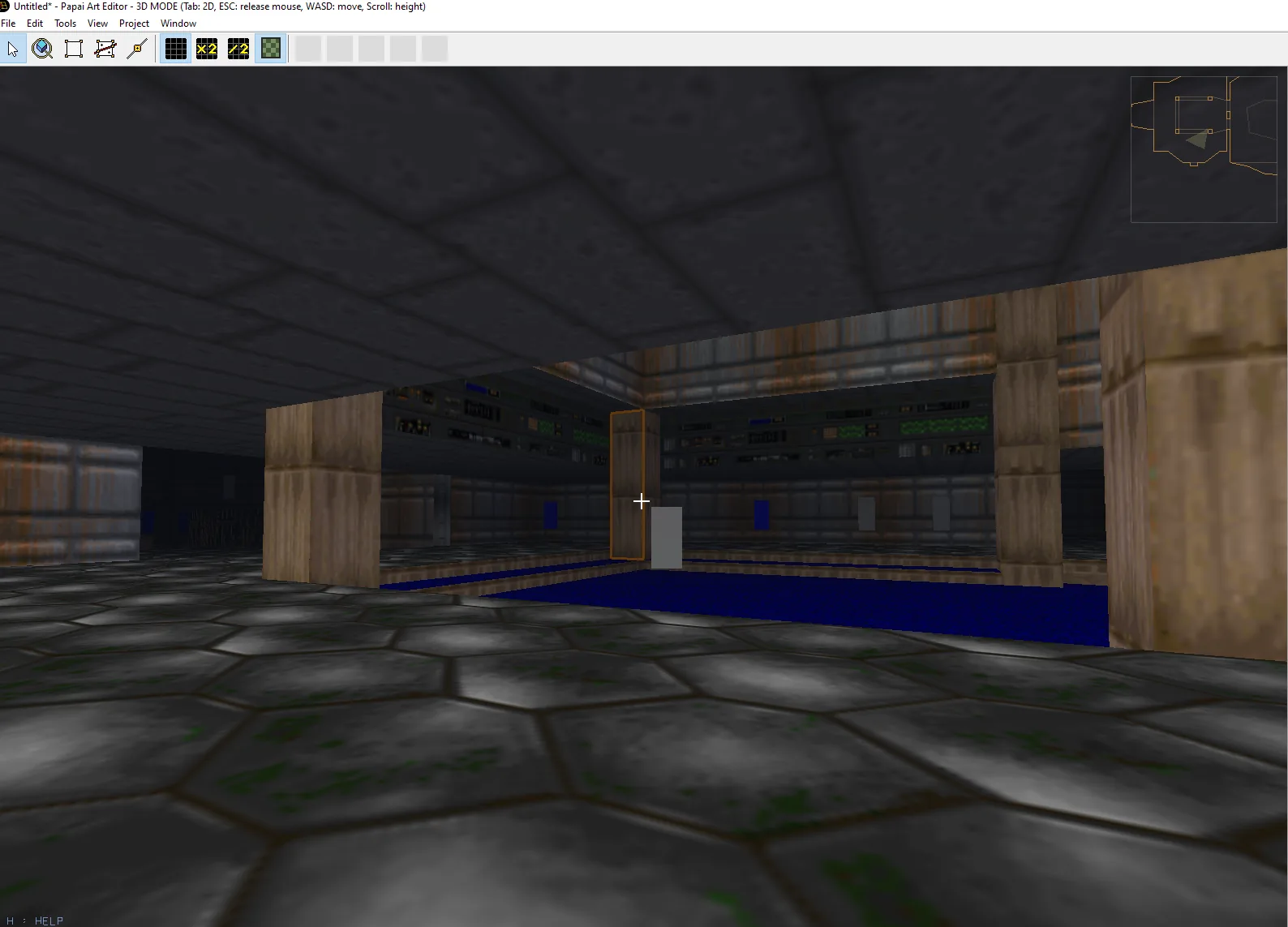
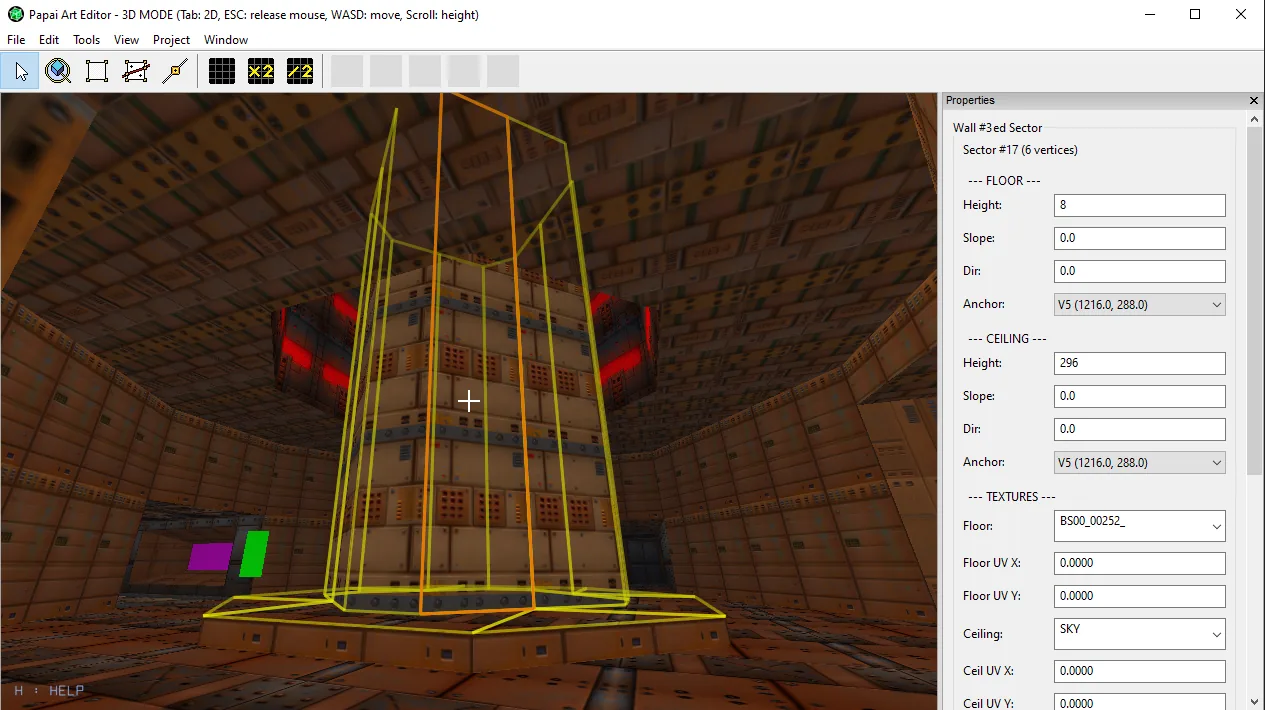
Real-time first-person preview with portal rendering and collision, and texturing without leaving the view.

  • Shift-click to select many faces and texture them in one click
  • Sector brightness and colour: tint rooms without duplicating materials
  • Upper and lower wall textures for lintels, window bands and trim
  • Wall and floor Tile Mode, UV sliding with the arrow keys
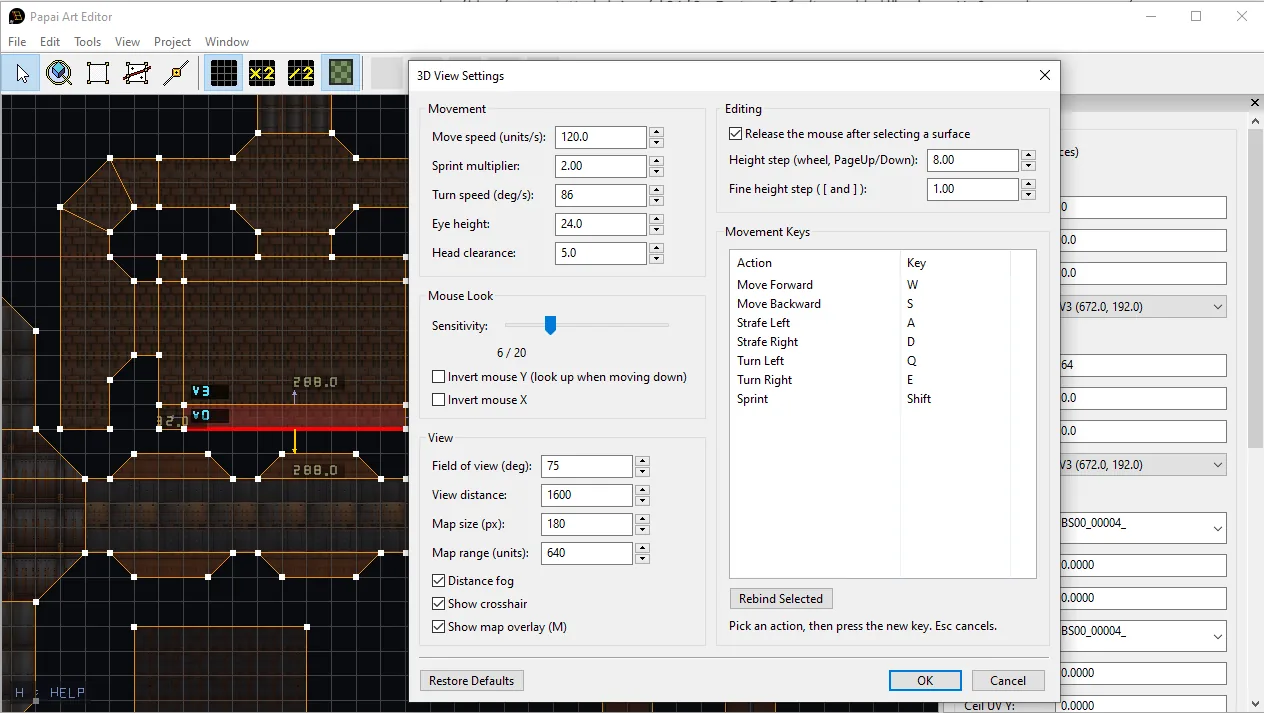
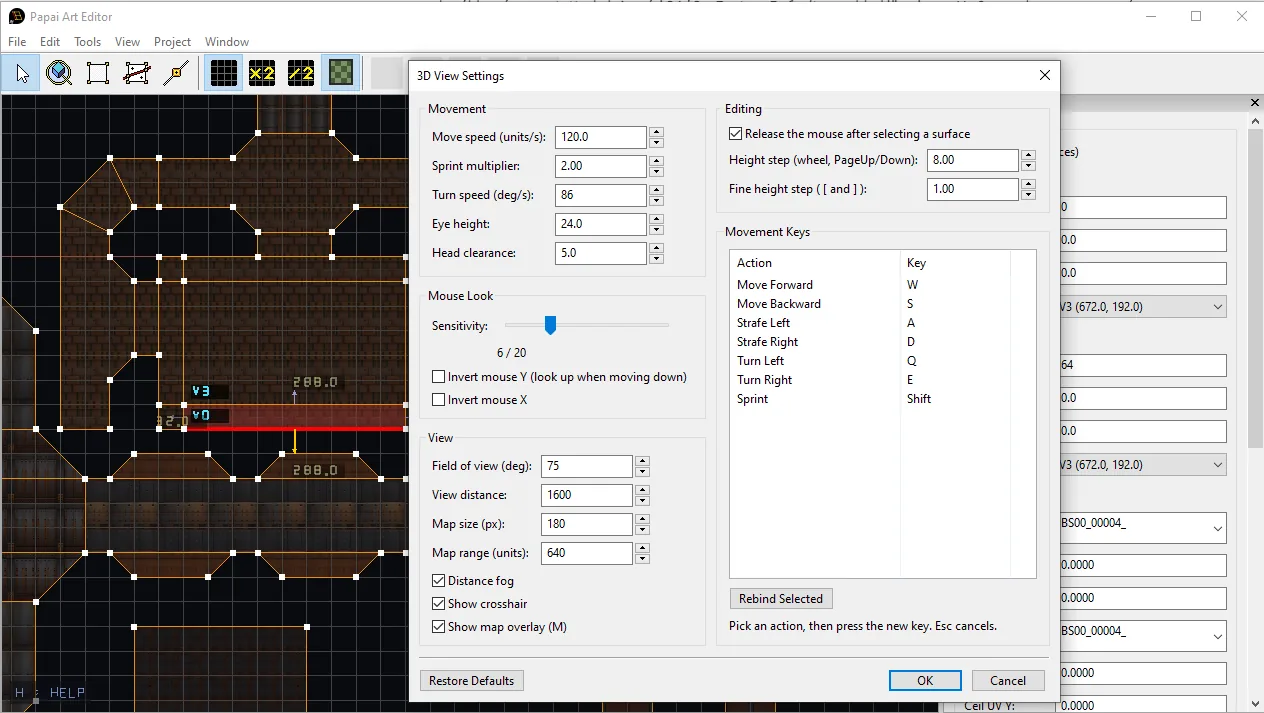
  • Exponential fog and a full 3D view settings dialog with key rebinding
Level Editor: Walk it in 3D
03 / 04

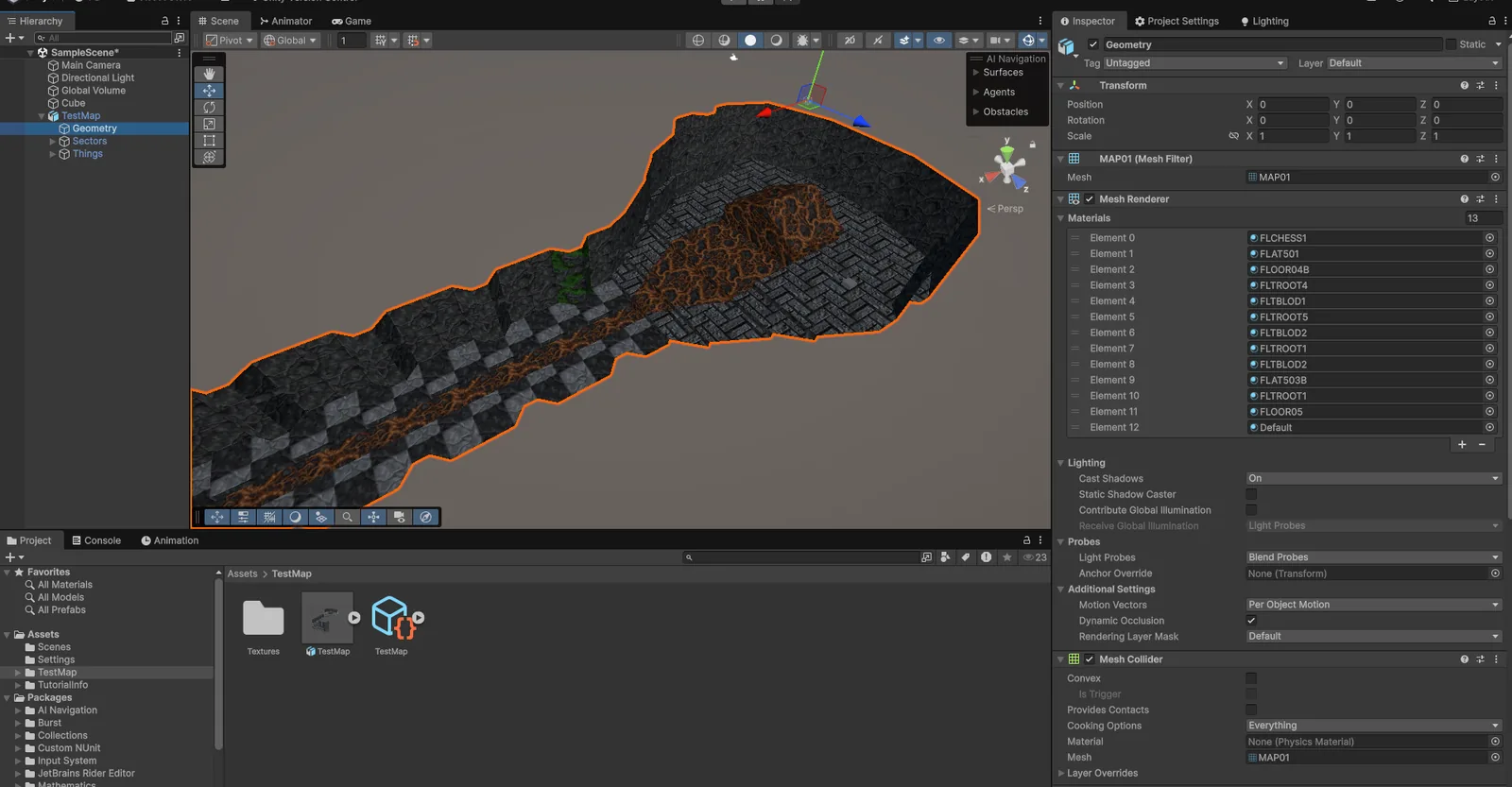
Ship it to Unity

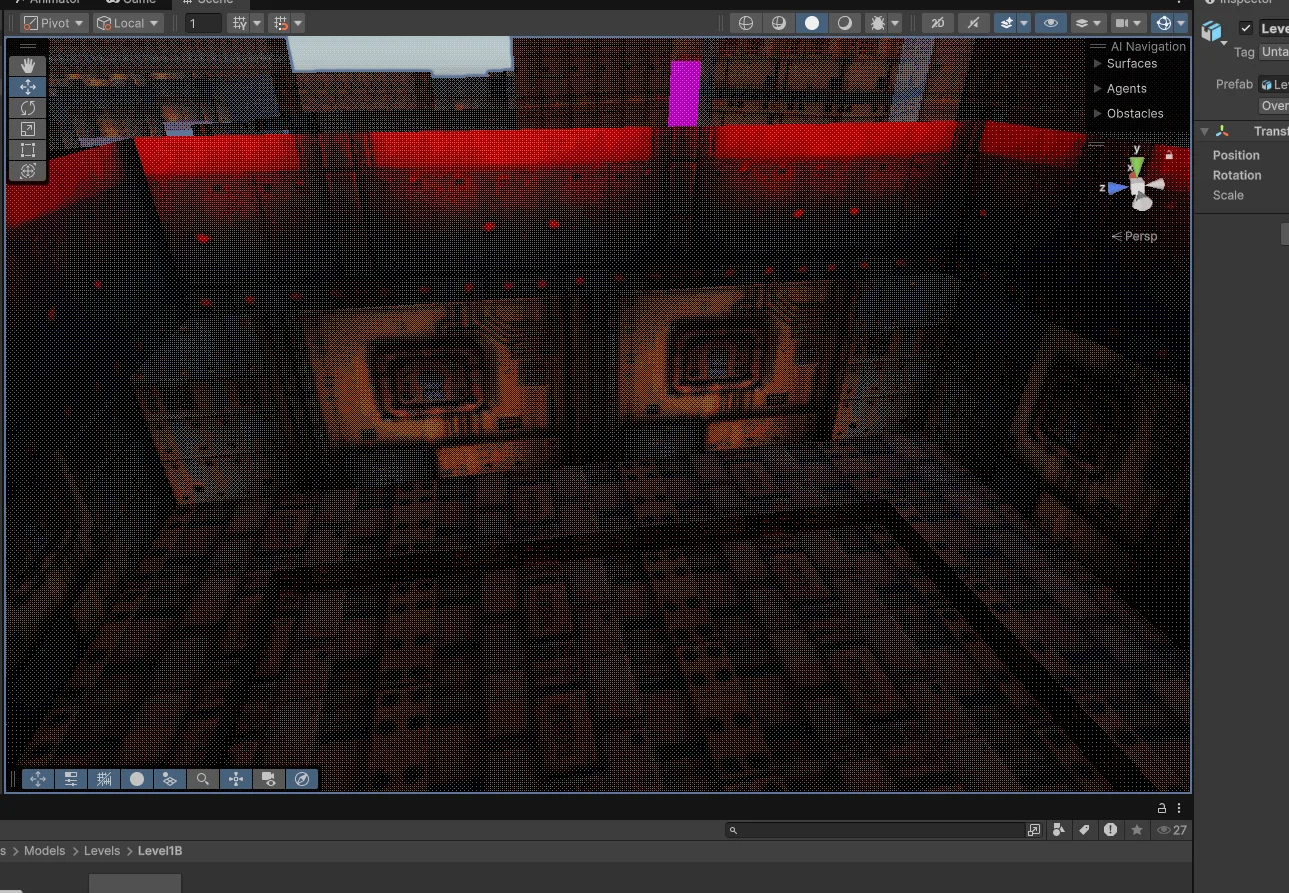
Export the bundle, drag the folder into Assets/, and you have a ready-to-play prefab.

  • Self-contained bundle: .pamap map, texture sidecar and only the textures you used
  • Auto-generated MaterialDatabase: no missing-pink surfaces, no manual wiring
  • Correct world scale, mesh colliders and Thing spawns on the first import
  • Live reimport, override hooks for your own PBR materials
  • URP-ready (Unity 2021.3+), Standard fallback, and a shader for sector light
Level Editor: Ship it to Unity
04 / 04

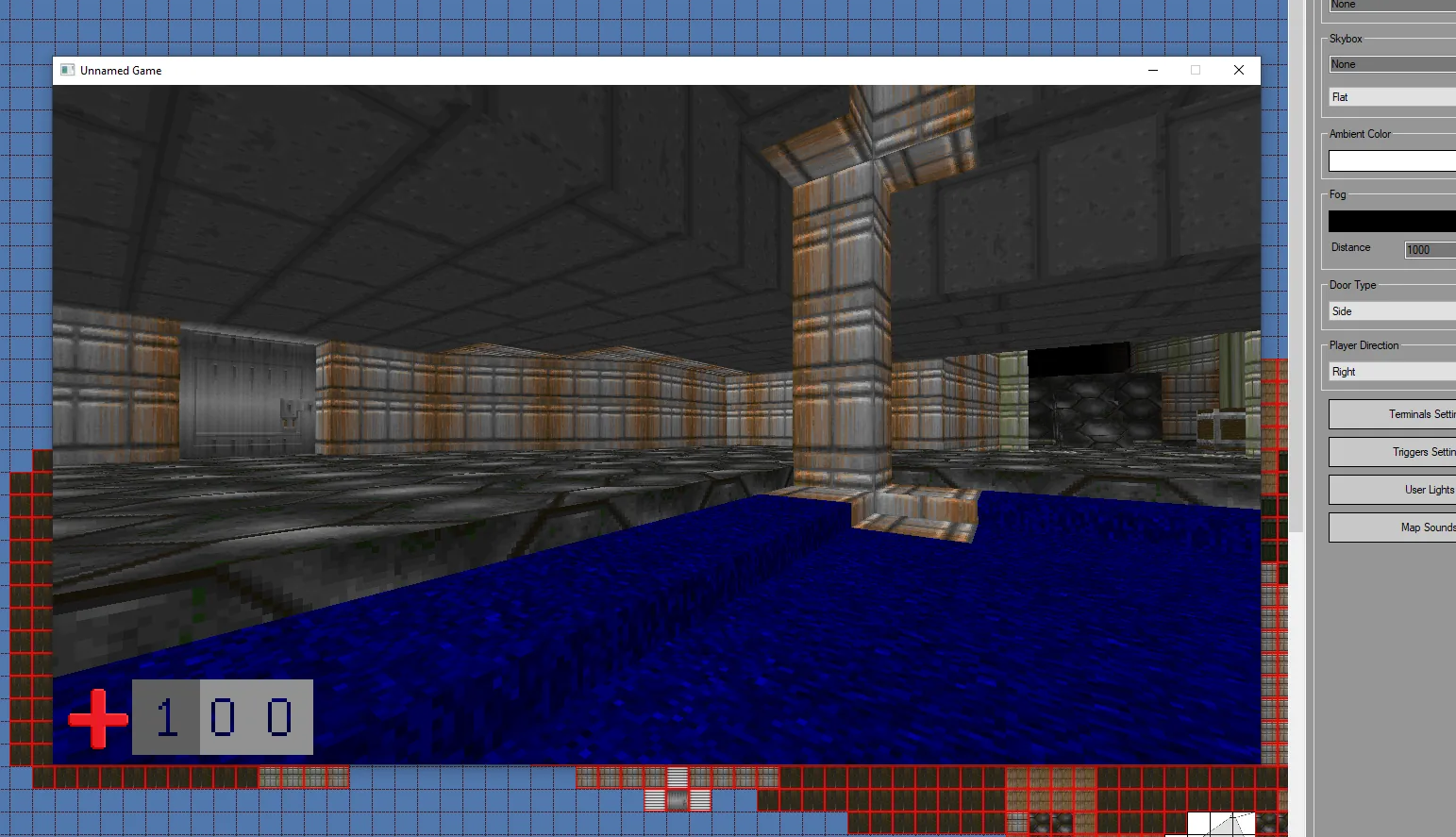
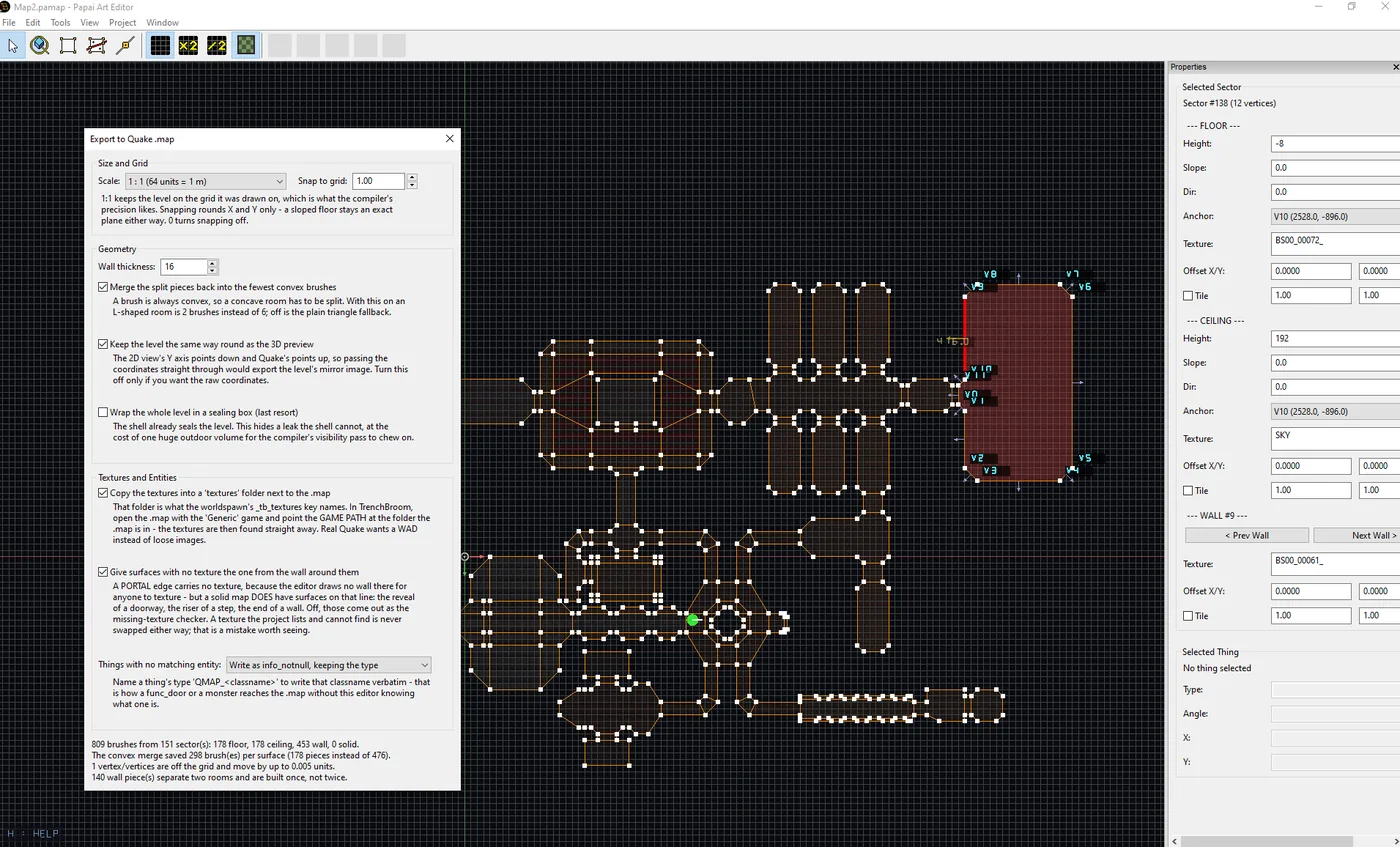
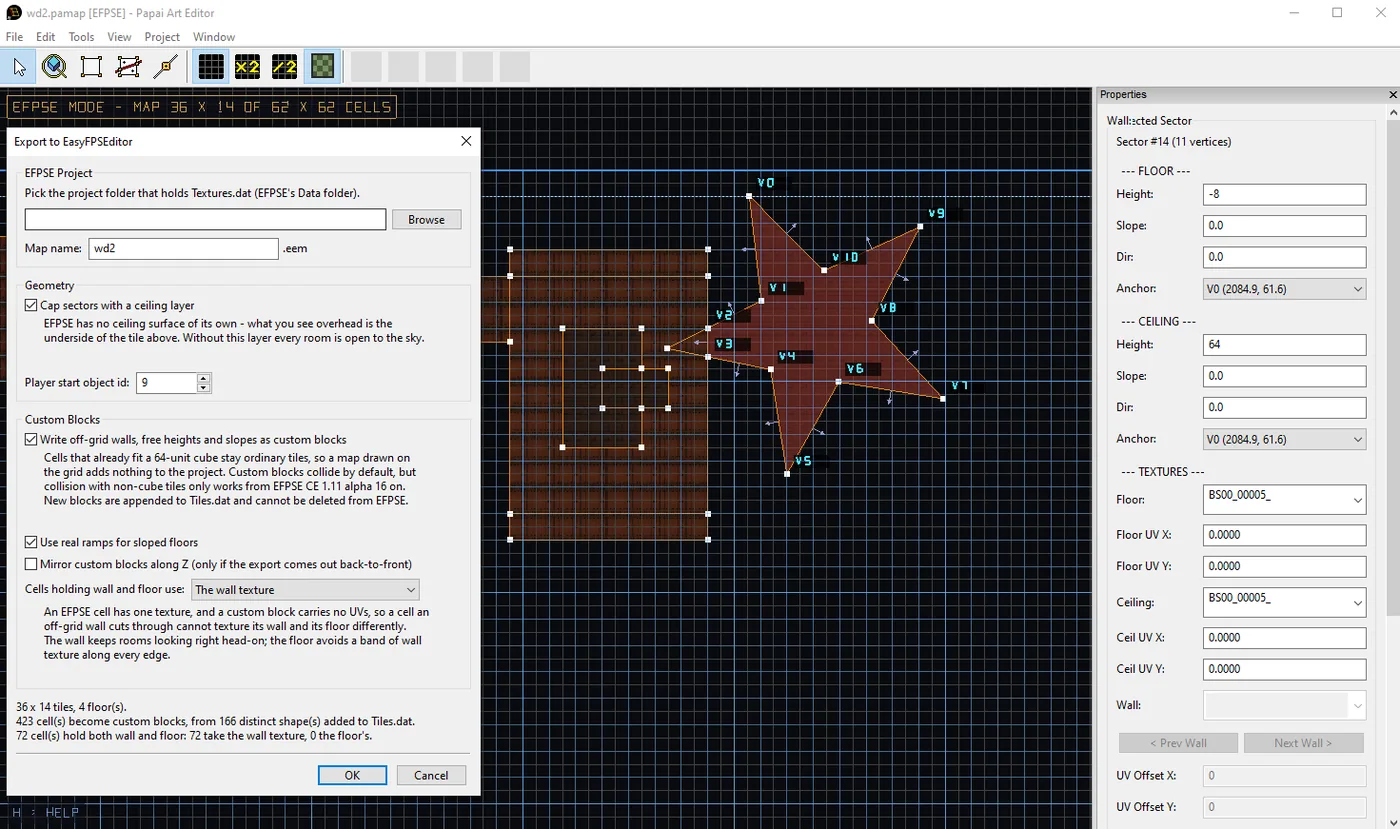
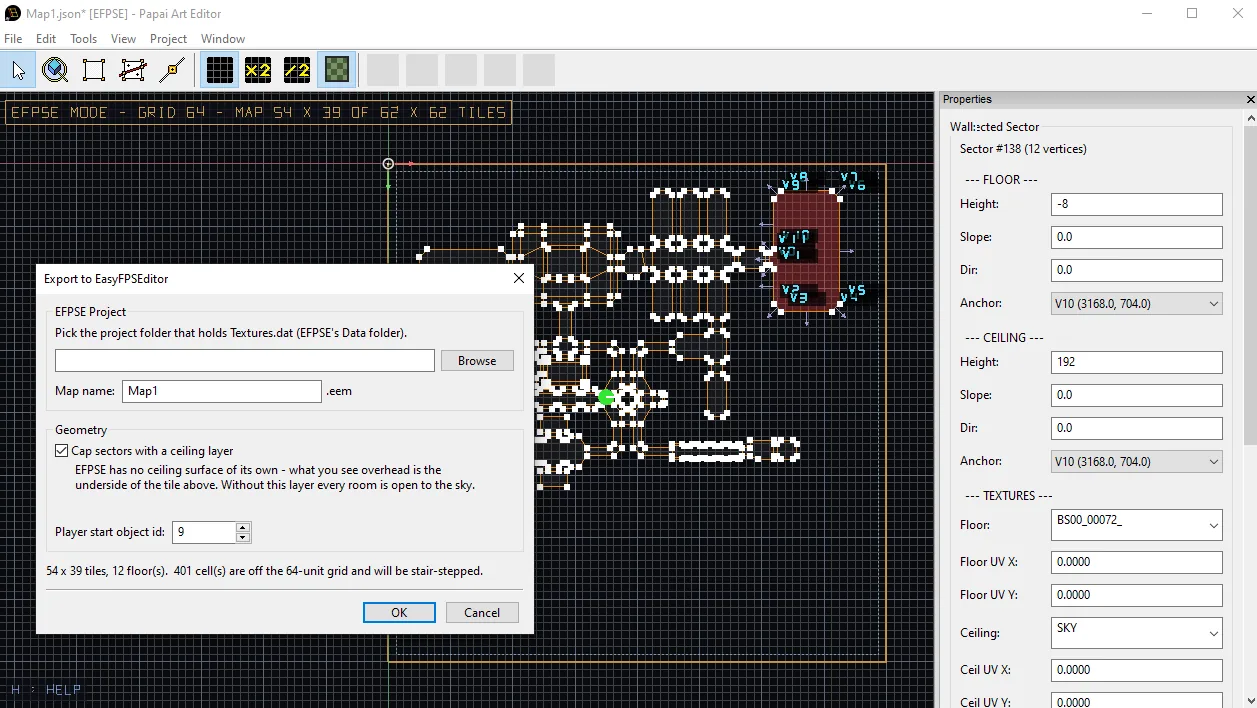
Quake .map and EasyFPSEditor

Draw rooms once and open them in whichever brush-based tool or engine comes next.

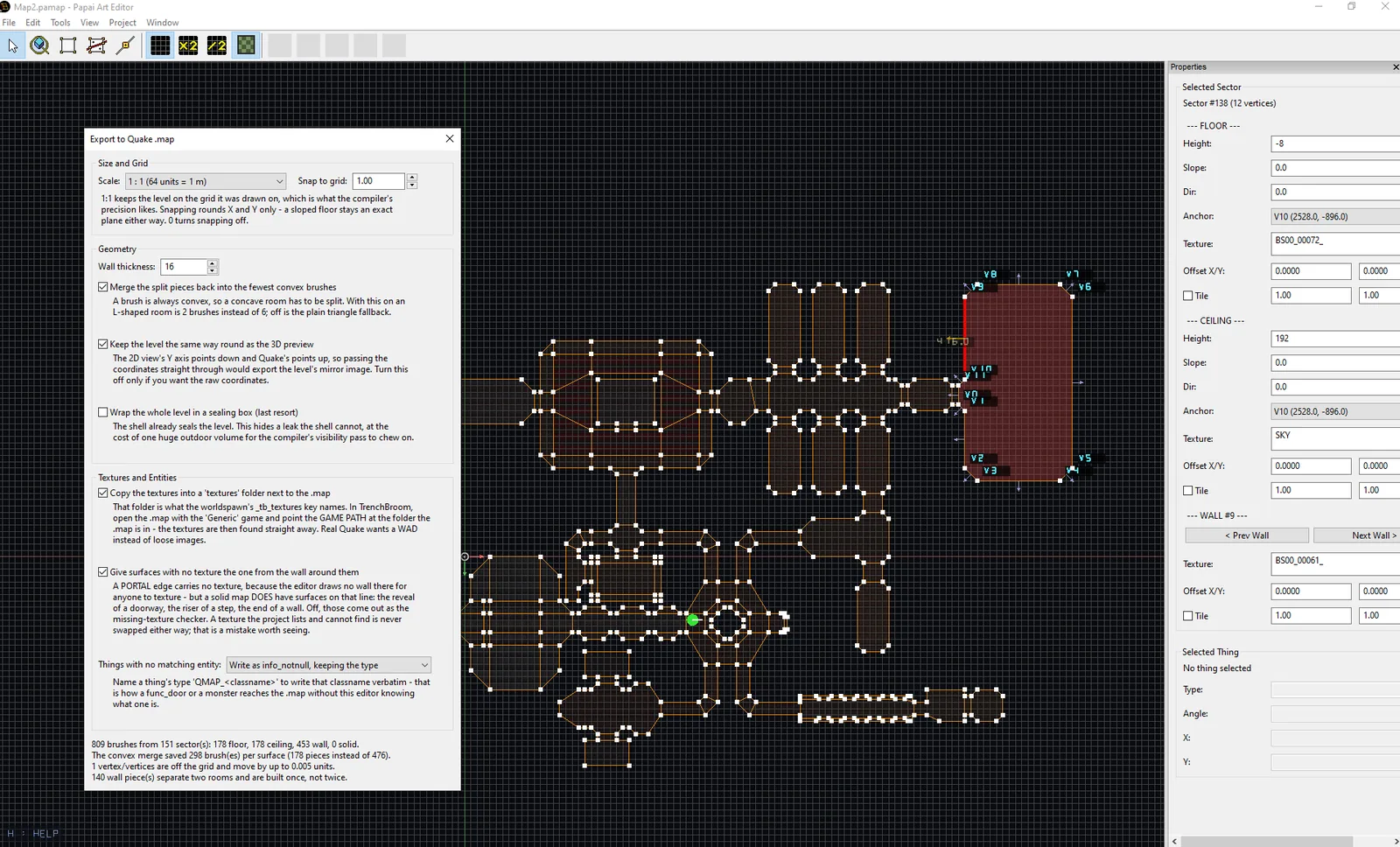
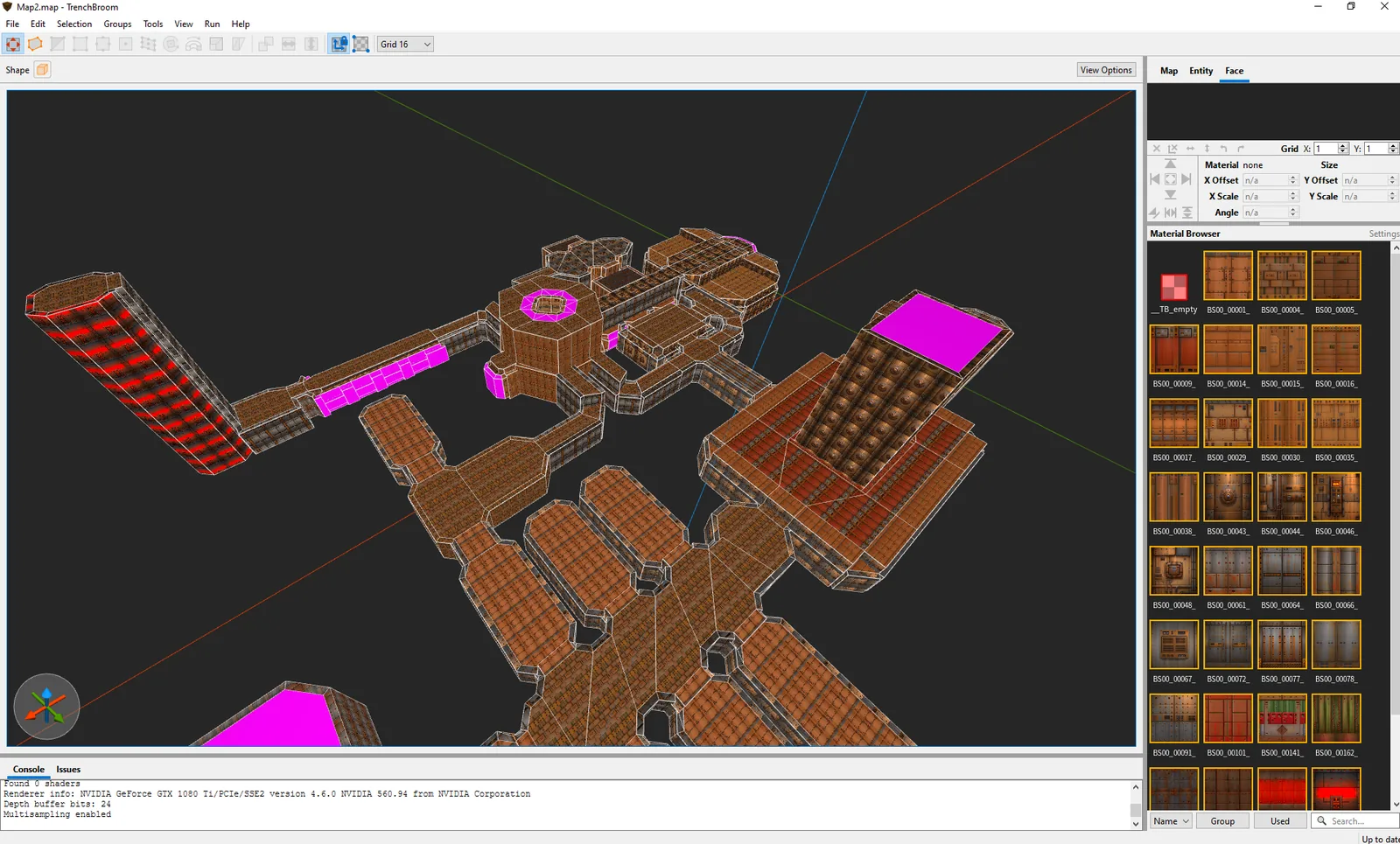
  • Valve 220 .map for TrenchBroom, J.A.C.K., NetRadiant, func_godot, Scopa, Unreal and Blender
  • Leak-free brushes, merged convex pieces, real slopes, textures copied alongside
  • EasyFPSEditor export with custom blocks for off-grid walls and true ramps
  • Every export runs as a dry-run preview first, and writes are atomic with a .bak backup
  • Open Doom WADs: levels arrive as real, editable geometry with textures
Level Editor: Quake .map and EasyFPSEditor
Export formats

Unity bundle

One-drop .pamap import with materials, colliders and spawns.

Quake .map

Valve 220 for TrenchBroom, Godot, Unreal, Blender.

EasyFPSEditor

Writes .eem maps straight into an existing project.

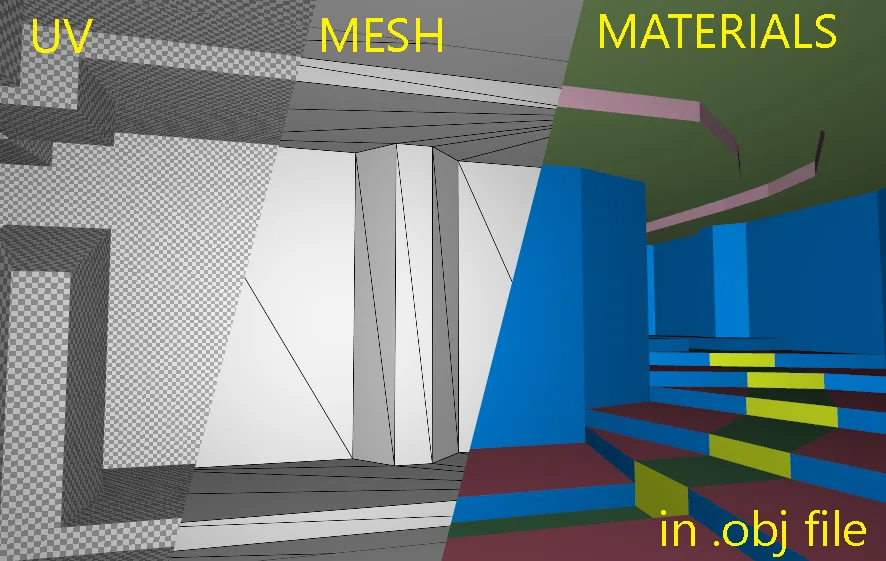
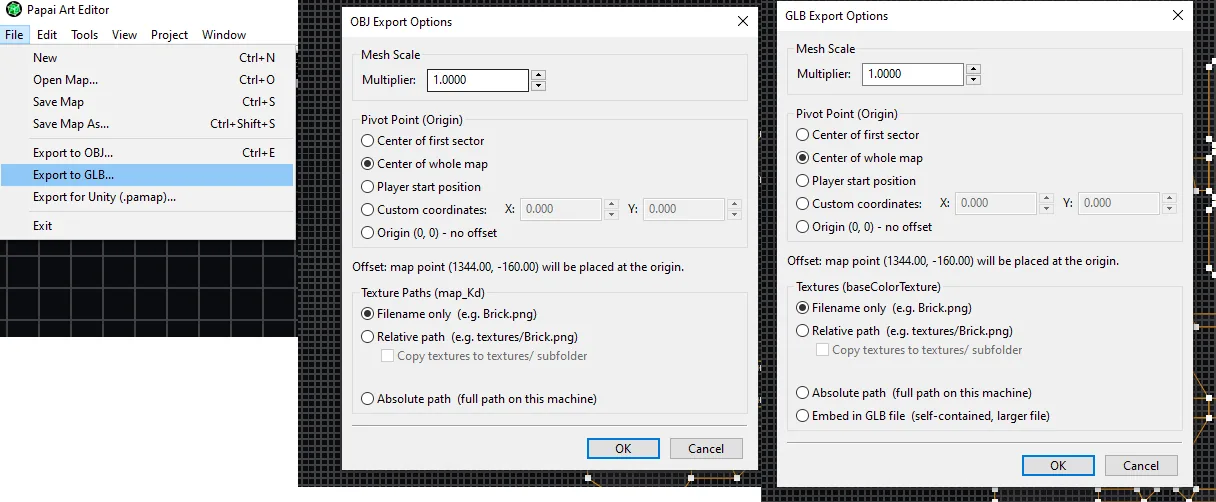
OBJ / MTL

With pivot, scale and optional texture copy.

glTF 2.0 (GLB)

Binary glTF with materials, vertex light tint included.

Doom WAD import

Bring classic levels in as editable geometry.

See it in action

Watch Level Editor

▶ Level Editor 2.0
▶ Version 1.6.2 features
▶ Version 1.4.4: multi-select in 3D
▶ Version 1.4.3 features
▶ Feature walkthrough
Gallery

Screenshots

Devlog

Development timeline

14 updates since February 24, 2026. Newest first.

  1. v2.0.0

    PaTool LevelEditor 2.0.0

    This is 2.0, and it is a milestone for the editor. Rooms are no longer uniformly lit boxes: a sector has a brightness and a colour. A wall can show a different texture above and below a doorway. Walls can stand on their…

  2. v1.9.3

    PaTool LevelEditor 1.9.3 - Quake .map export

    This build adds one menu item: File > Export to Quake .map. Your map comes out as a level that other tools can open and compile. There is also Tile Mode for floors and ceilings, and a texture bug that had been turning…

  3. v1.9

    PaTool LevelEditor 1.9 - EFPSE Export 2.0

    Until now, exporting to EasyFPSEditor meant surrendering to its 64-unit cube grid: a diagonal wall came out as a staircase, and any floor height that wasn't a whole tile got rounded to one. That's over. Angled walls…

  4. Exporting to EasyFPSEditor

    Level Editor draws maps the way a portal engine wants them: sectors with arbitrary polygonal outlines, per-wall textures, sloped floors, heights anywhere you like. EasyFPSEditor wants something else entirely. An EFPSE…

  5. v1.8.4

    PaTool LevelEditor 1.8.4

    The 2D plan view now paints each sector with its actual floor texture, faintly, underneath the grid. It uses exactly the same UV mapping as the 3D view — world position divided by the tile size, plus the sector's own…

  6. v1.6.2

    Doom like level editor 1.6.2

    Two busy weeks on the 2D editor. Here's everything that landed. You can now drag a rectangle over empty space to select multiple vertices and Things at once. A bounding-box gizmo appears around the selection with: 8…

  7. v1.4.4

    PapaiArt Level Editor 1.4.4 - multi select in 3D view

    Texturing just got a lot faster. Until now, applying a texture in the 3D view meant clicking one surface, picking a texture, then hunting down the next surface — one at a time. This update introduces multi-face…

  8. v1.4.3

    PapaiArt Tools - LevelEditor 1.4.3

    A big drawing-focused update for the Level Editor. Here's everything new. New shape tools A new Shapes strip appears next to the canvas whenever the Sector tool is active. Besides classic point-by-point drawing you now…

All 14 Level Editor posts

Get Level Editor

Draw a room. Walk through it. Ship it to Unity, Godot, TrenchBroom or EasyFPSEditor.

Windows 10 / 11Unity 2021.3 or newer for the optional Unity packagePDF user guides included (English and Hungarian)

More from PapaiArt