 Level Modeller
GLB Export is Here — Proper Materials, Two UV Channels, One File
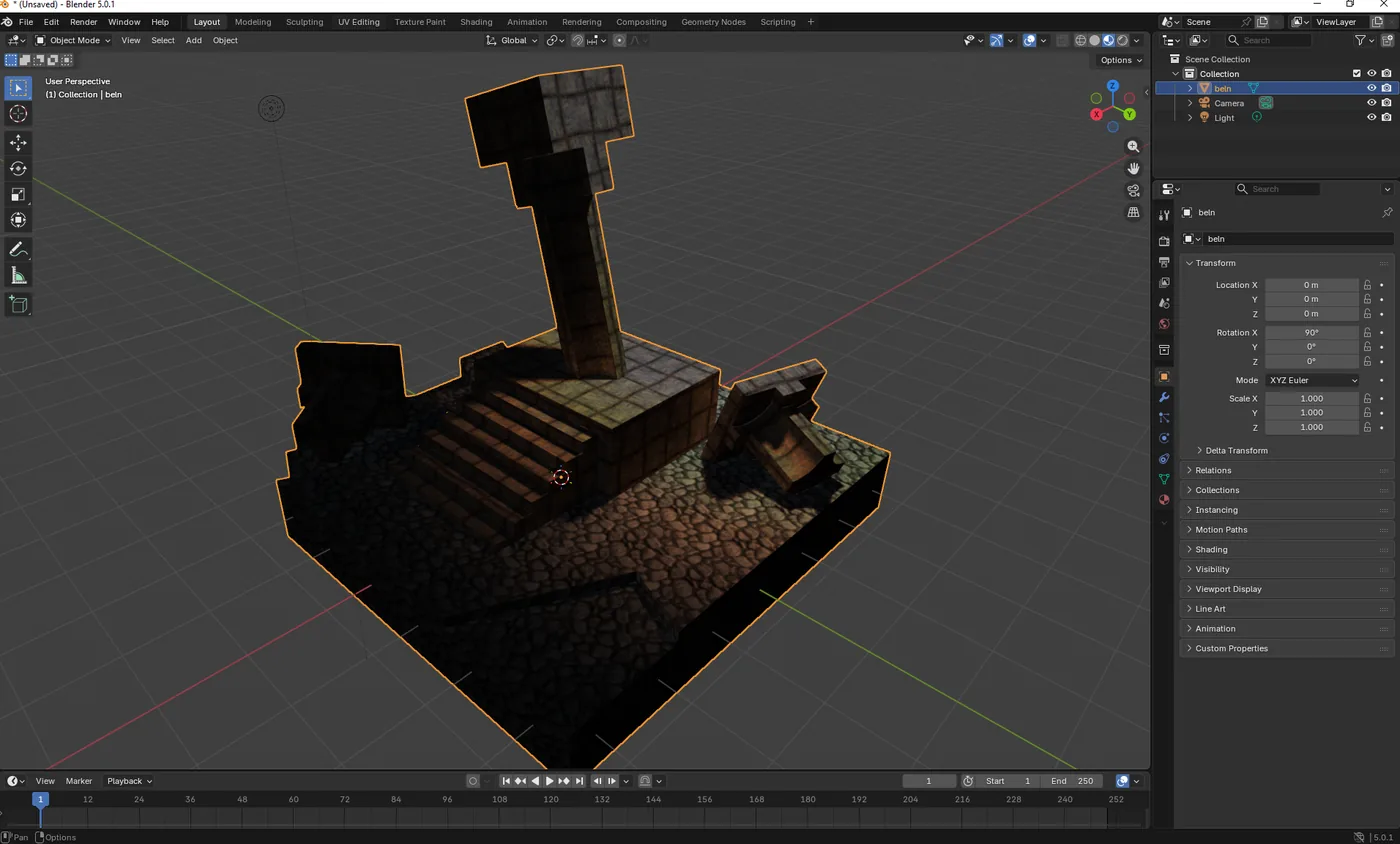
Level Modeller can now export your levels as GLB (glTF 2.0 binary) — alongside the existing OBJ export. This is a big quality-of-life upgrade if you're bringing levels into Unity, Godot, Unreal, Blender, or three.js.
Why GLB?
OBJ only supports a single UV channel, so getting a lightmap-ready mesh out meant baking everything into one texture atlas. GLB doesn't have that limitation — it carries multiple UV channels and real material definitions natively, so your level exports the way it's actually built:
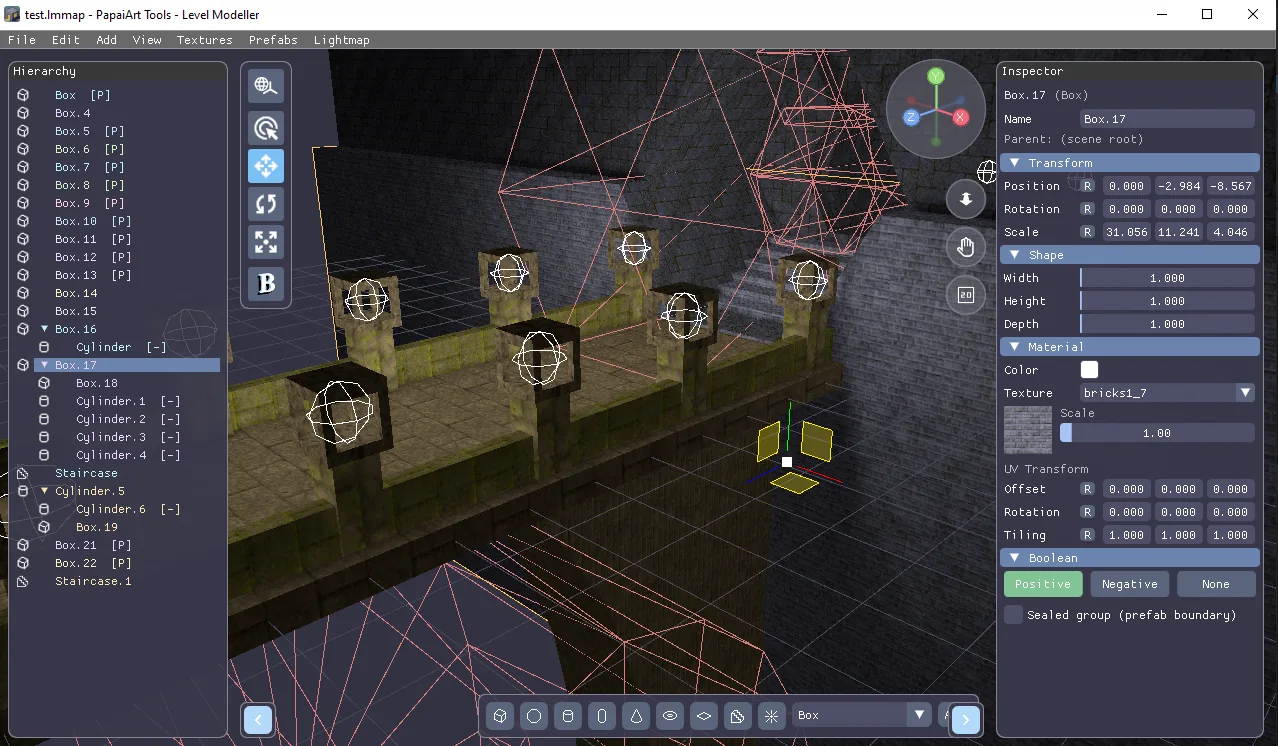
- TEXCOORD_0 — the tiled box-projection UVs, with one material per texture, exactly as you see it in the editor.
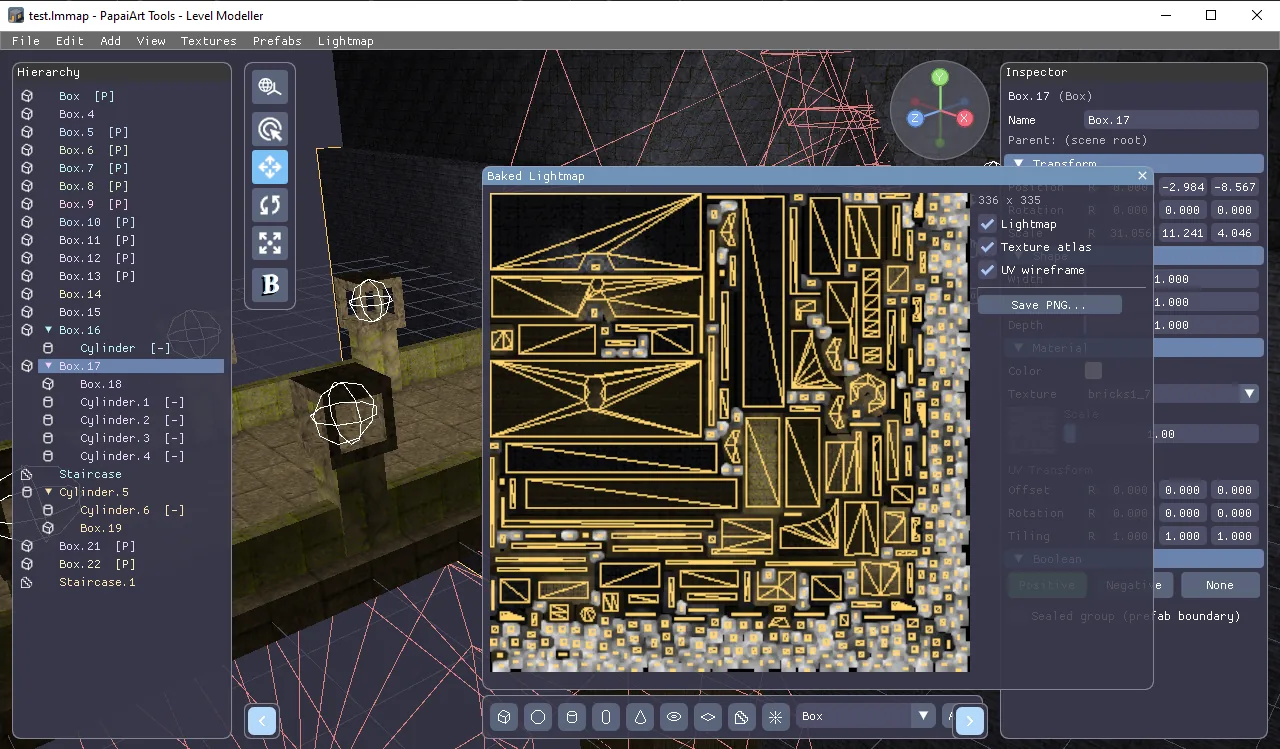
- TEXCOORD_1 — a clean, non-overlapping lightmap unwrap, ready for the lightmap baker in your engine. And here's the nice part: you don't need to bake lighting first — if the unwrap doesn't exist yet, the exporter generates it automatically on export.
Export options at a glance
- Mesh scale — uniform multiplier, so you can match your engine's units.
- Pivot point — choose what lands at the origin: scene origin, center of bounds, bottom center (the model "stands" on the origin), the selected object, or custom coordinates.
- Texture storage — your choice:
- Embedded (default): everything packed into a single, self-contained
.glb— one file to drag and drop. - External: images referenced as separate files, copied either next to the
.glbor into atextures/subfolder.
- Embedded (default): everything packed into a single, self-contained
- Baked lightmap — if you've baked lighting in Level Modeller, you can include the lightmap in the file as the material's occlusion texture, sampled from UV1.
- Atlas mode — the OBJ-style workflow is still here for pipelines that want exactly one material: all albedo baked into a single texture laid out by the lightmap UVs, with an optional "burn baked lighting into the atlas" toggle that multiplies your baked lighting straight into the albedo. Great for quick previews and engines/renderers where you want zero material setup.
- Vertex tints — per-object color tints export as vertex colors (COLOR_0), so tinted geometry looks the same outside the editor.
The OBJ (+MTL) export isn't going anywhere — but if your target understands glTF, GLB is now the recommended path.
As always, let me know if an exported file misbehaves in your engine of choice!