 FPS Lab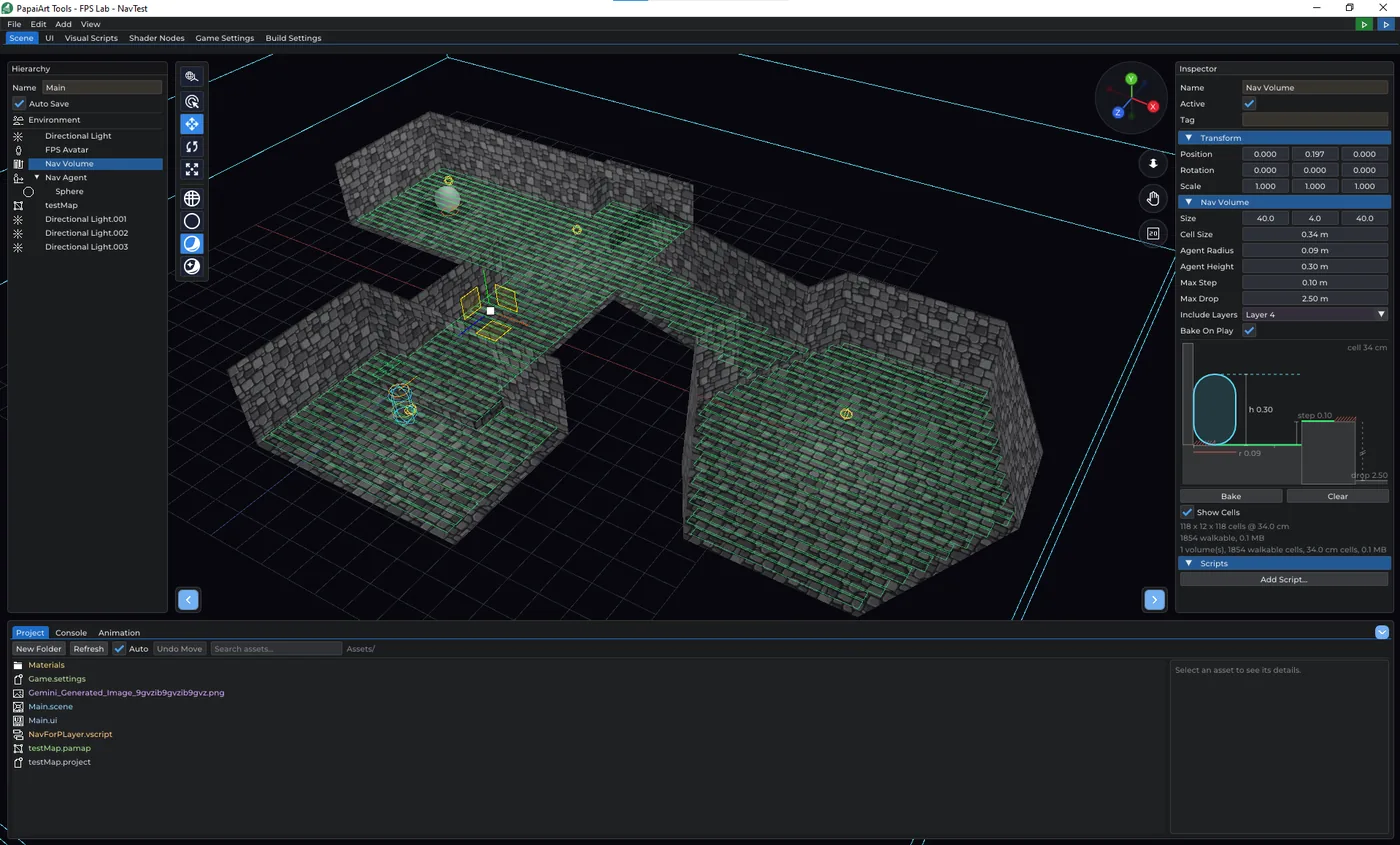
Enemies that find their own way
Until this build, an enemy in FPS Lab could only walk the straight line to you. That is what Move Towards does, and it is what the zombie in the handbook's project 4 does — which works beautifully in an open room and stops dead at the first wall.
This build adds navigation: your monsters can now work out a route through the level themselves.
Nav Volume — the map
Place a Nav Volume over your level, press Bake, and the engine chops everything inside the box into cells and works out where a body of a given size can actually stand. Tick Show Cells and the walkable floor is drawn in the viewport in green — the floor pulls back from every wall by the agent's radius, closes under anything too low to stand beneath, follows stairs up to Max Step and stops a step short of a drop deeper than Max Drop.
It's a voxel field rather than a navigation mesh, and that's a deliberate trade. A flying enemy needs no second structure — the free space is the flight graph. A rebake is a rasterization rather than a global mesh regeneration. And there is no mesh-generation step that can quietly invent a surface your level doesn't have: what you see in green is what the search runs on. The cost is memory, which the cell budget bounds.
Nav Agent — the walker
Add a Nav Agent, parent the monster's model under it, and give it a destination. It walks (or flies) the route: turning at its own turn rate, accelerating, braking into its stopping distance, and stepping around the other agents on the way.
Eleven script nodes drive it, plus an arrival event:
- Set Nav Destination, Nav Follow (chase — it re-reads where the target went by itself), Nav Stop / Nav Resume, Nav Set Speed
- Nav Has Path, Nav Remaining Distance, Nav Is At Destination, On Nav Destination Reached
- Random Nav Point — a patrol in three nodes, no waypoints to author
- Sample Nav Position — place a spawn somewhere the AI can actually stand
- Nav Raycast — "could I charge straight at the player, or do I have to go around?"
While the game runs, the agent's Inspector tells you what it is doing — moving, arrived, stopped, or NO ROUTE — and the route it is following is drawn in the viewport. Searches are budgeted per tick, so a room full of enemies noticing you at once costs a frame's worth of planning instead of a stall, and the volume's Inspector shows that load while you play.
The settings draw themselves
Both components draw a live diagram in the Inspector, the way the FPS Avatar already did.
The Nav Volume's is a side view: the agent standing against a wall, a step it can climb, a ledge it can drop off, and the green walkable line the bake would actually produce. It shows one rule that is invisible in the numbers — the floor is eroded a radius from the wall and from the drop, but not at the step, because something you climb onto is not something you keep your distance from.
The Nav Agent's is top-down: a route with the corner rounded by its turn rate, the ring it counts as arrived in, and a dot for every fixed slice of time. Those dots are the agent's own acceleration and braking laws run forward, so Speed and Acceleration stop being two numbers and become one picture — how far apart the dots settle, how long the ramp-up takes, how early it starts bunching up before the target.
Level Editor maps import
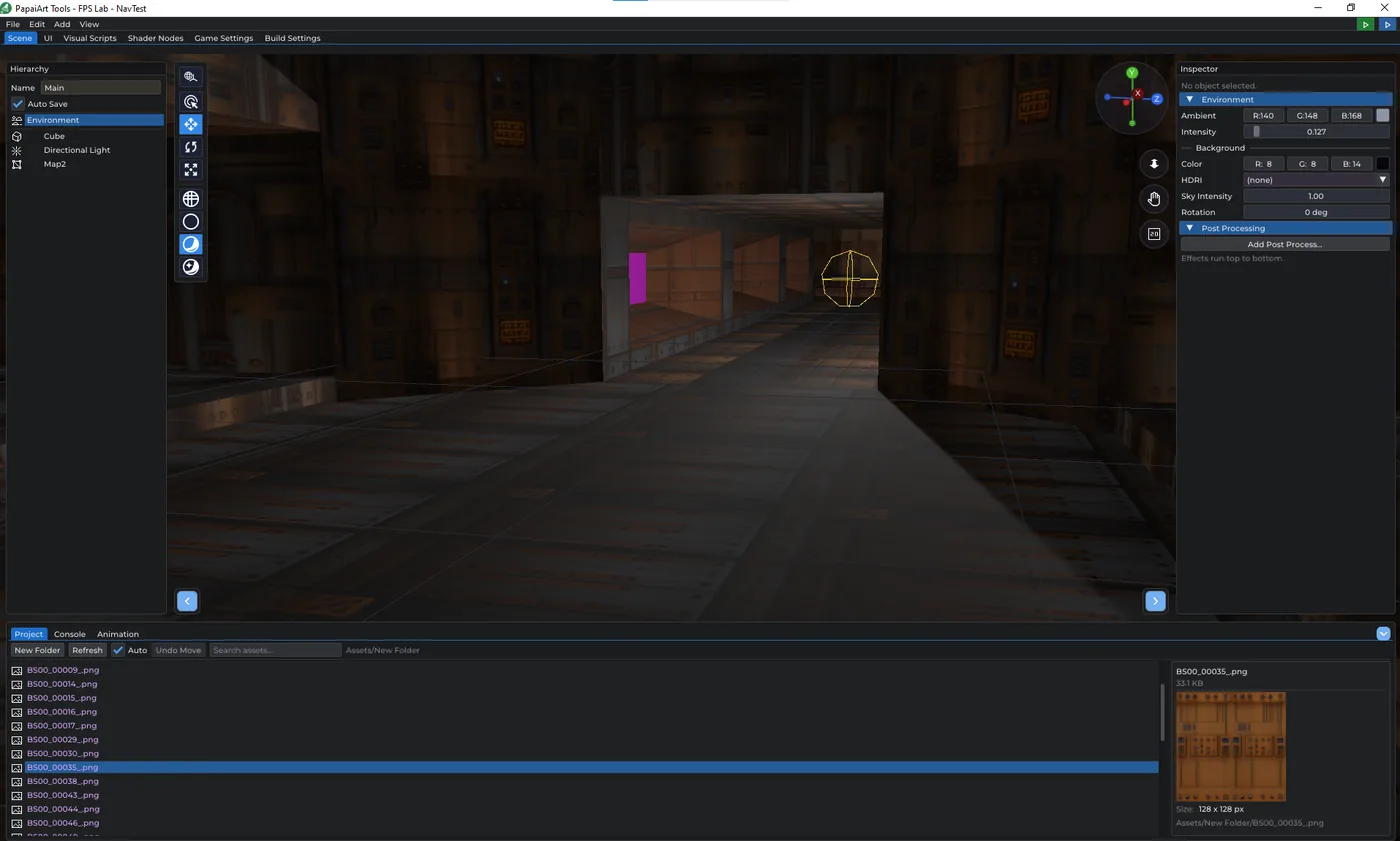
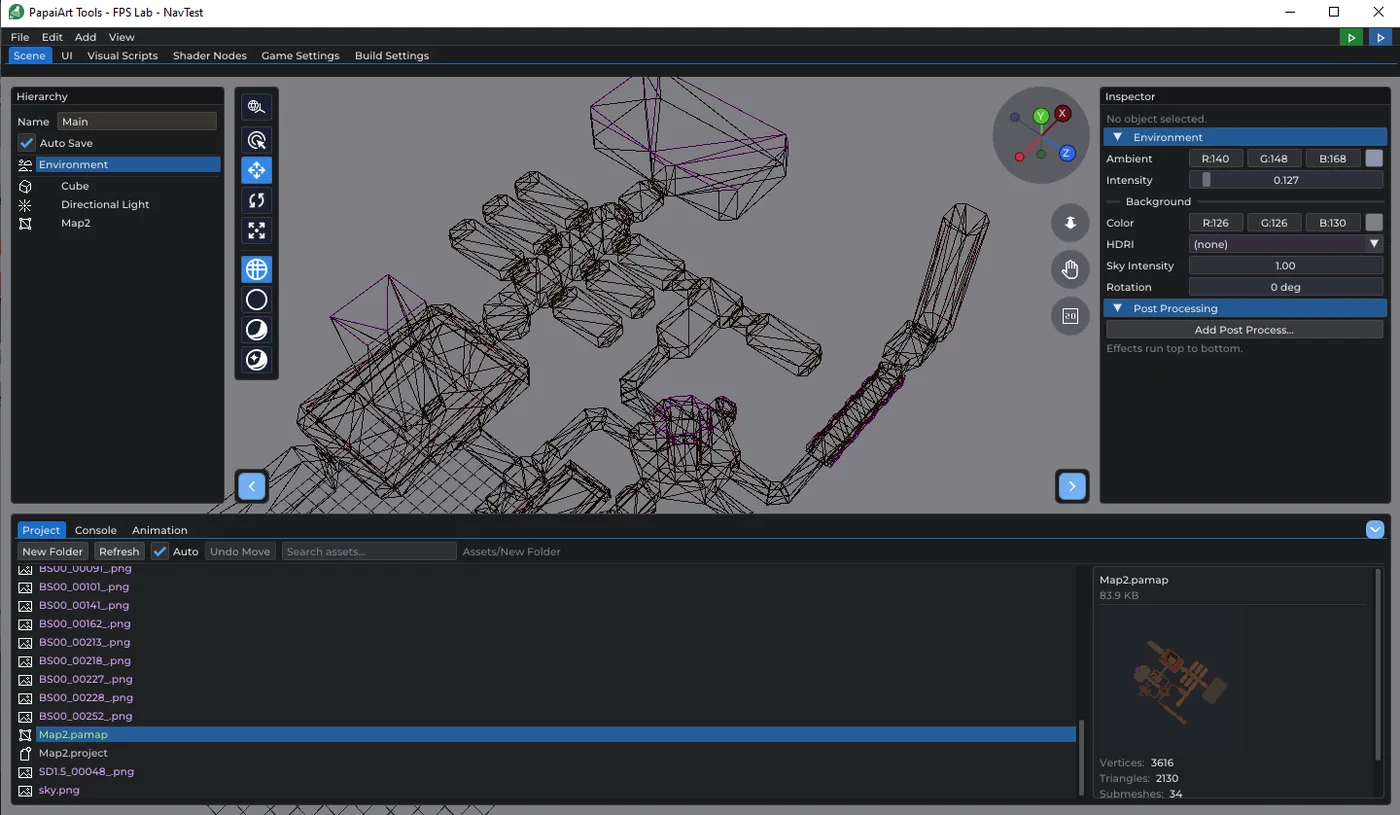
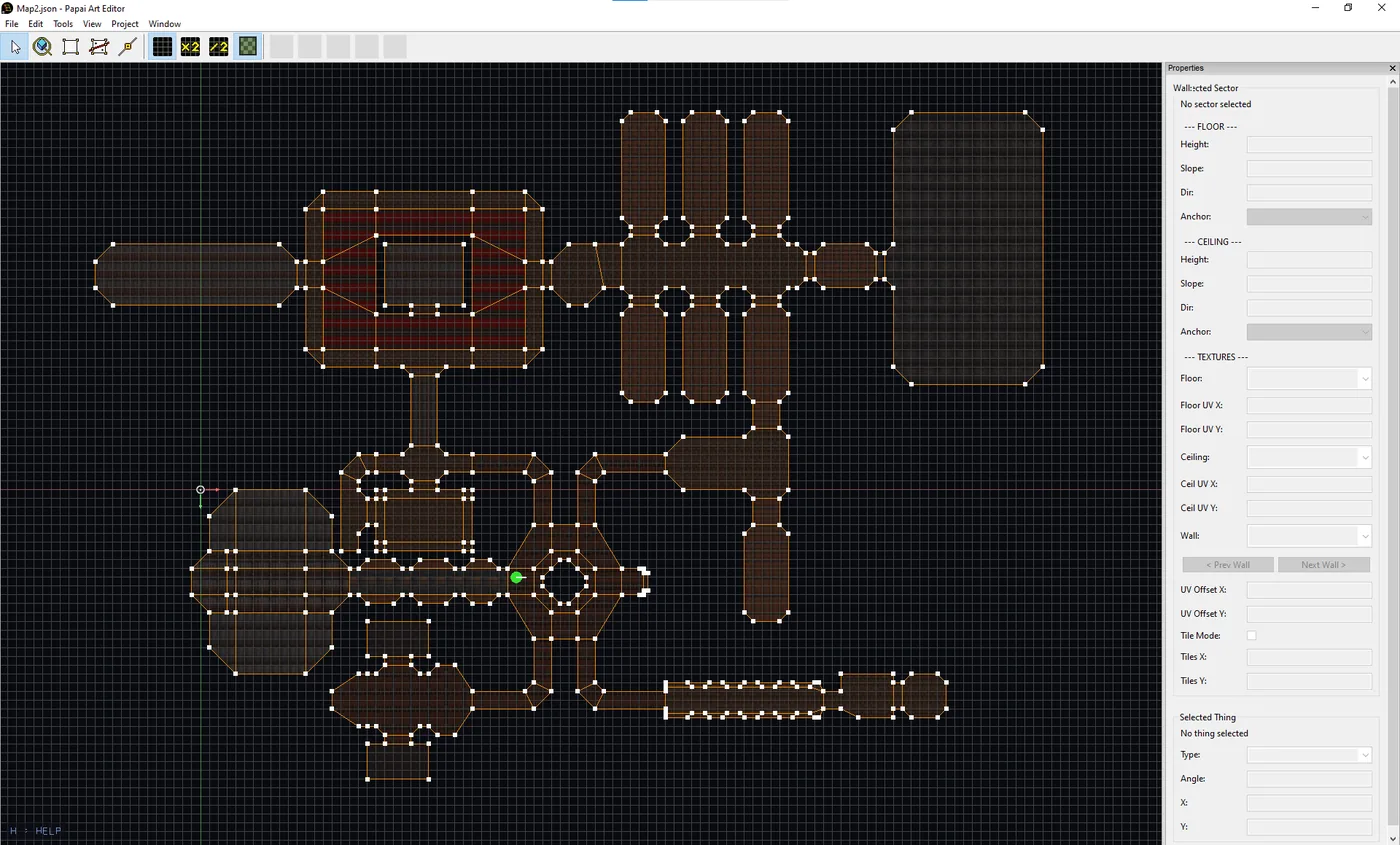
Both PapaiArt level tools now land in the engine: Level Modeller levels with their baked lighting, and Level Editor maps (.pamap) straight out of the level editor. If a map changes extension on disk, the references in your scene are repointed at the file that replaced it instead of silently breaking.
Objects land where you're looking
Small change, noticed every day: a new object — from the Add menu or dragged in from the Project panel — now appears on the surface in front of the camera rather than at the world origin. It lands on whatever you're looking at; failing that, on the ground under the view; failing that, a few metres ahead.
Handbook
The beginner handbook has a new chapter on navigation: from the first bake to a patrolling guard, with a settings table for each component, the script nodes, and a troubleshooting list for the questions this feature actually generates ("why is the whole room empty?" — the ceiling is lower than your Agent Height).
Both language versions also got an accuracy pass. Node names in the book now match the editor exactly, including the ones the editor builds from your own names: a variable called Health gives you Get Health / Set Health, an event called Hit gives you On Hit / Send Hit, and the book now says so instead of showing a placeholder.
Fixes worth naming
- You could jump through a ceiling and end up standing on top of the level. The player controller tested walls and the floor but nothing above it — rising is now a collision test too, so a low ceiling stops your jump instead of being scenery.
- The rotation gizmo grabbed the ring segment hidden behind the object. The back-facing half of each ring is rejected now, so the ring you click is the one you meant.