 Level Modeller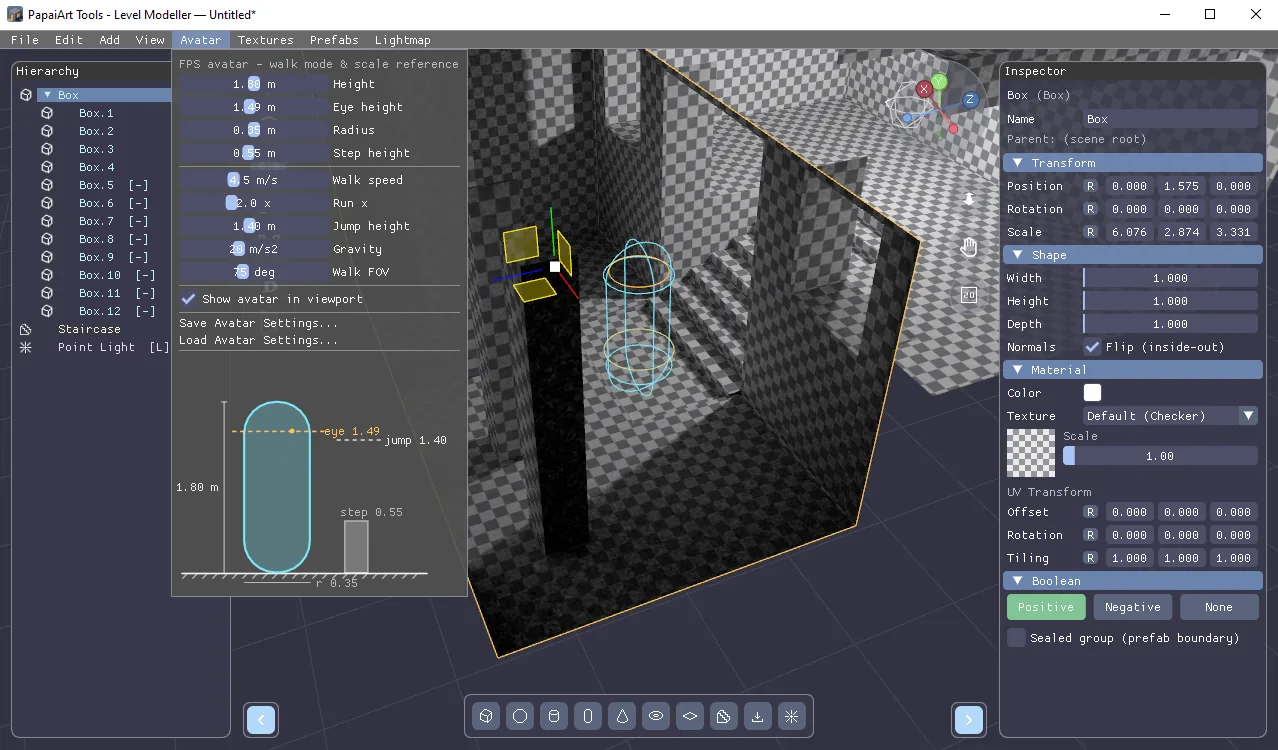
Instant Rooms & FPS Avatar (with full Unity support)
Two big features landed in Level Modeller over the last two days: an inside-out room workflow and a configurable FPS avatar — both carried all the way through to the Unity package.
Instant rooms with Flip Normals
Every object now has a Flip (inside-out) option in the Inspector. Flipping turns the faces inward, so a single flipped box becomes a finished room interior you can walk into — no manual wall building. Rooms use classic subtractive-style semantics:
- Overlapping rooms merge into one continuous space instead of fighting each other.
- Negative objects cut windows and doorways through room walls, just like they cut solids.
- A lone cutter never shows up as phantom geometry.
Room hierarchies
A flipped object declares a room for its entire subtree, and inside a room the world mirrors:
- Positive children extend the air — build L-shaped rooms and corridors from simple boxes.
- Negative children carve solid matter into the space — pillars, columns, built-in furniture.
- Outside cutters overlapping the room widen it from the outside — windows and doorways between rooms and the world.
Clicking in the viewport picks exactly what you see, rooms respect prefab/sealed-group boundaries, everything is saved with the map, and the CSG cache keeps editing fast.
FPS Avatar
The new Avatar menu defines your player character: capsule height, eye height, radius, step height, walk speed, run multiplier, jump height, gravity, and camera FOV. It drives the first-person walk mode (so you playtest with the exact character your game will use), and an optional reference silhouette stands in the viewport so you always see how big the player is against your level. Avatar settings are saved inside the map and can also be stored as a reusable standalone .lmavatar profile shared across maps.
Unity support
Both features are fully wired into the Unity package:
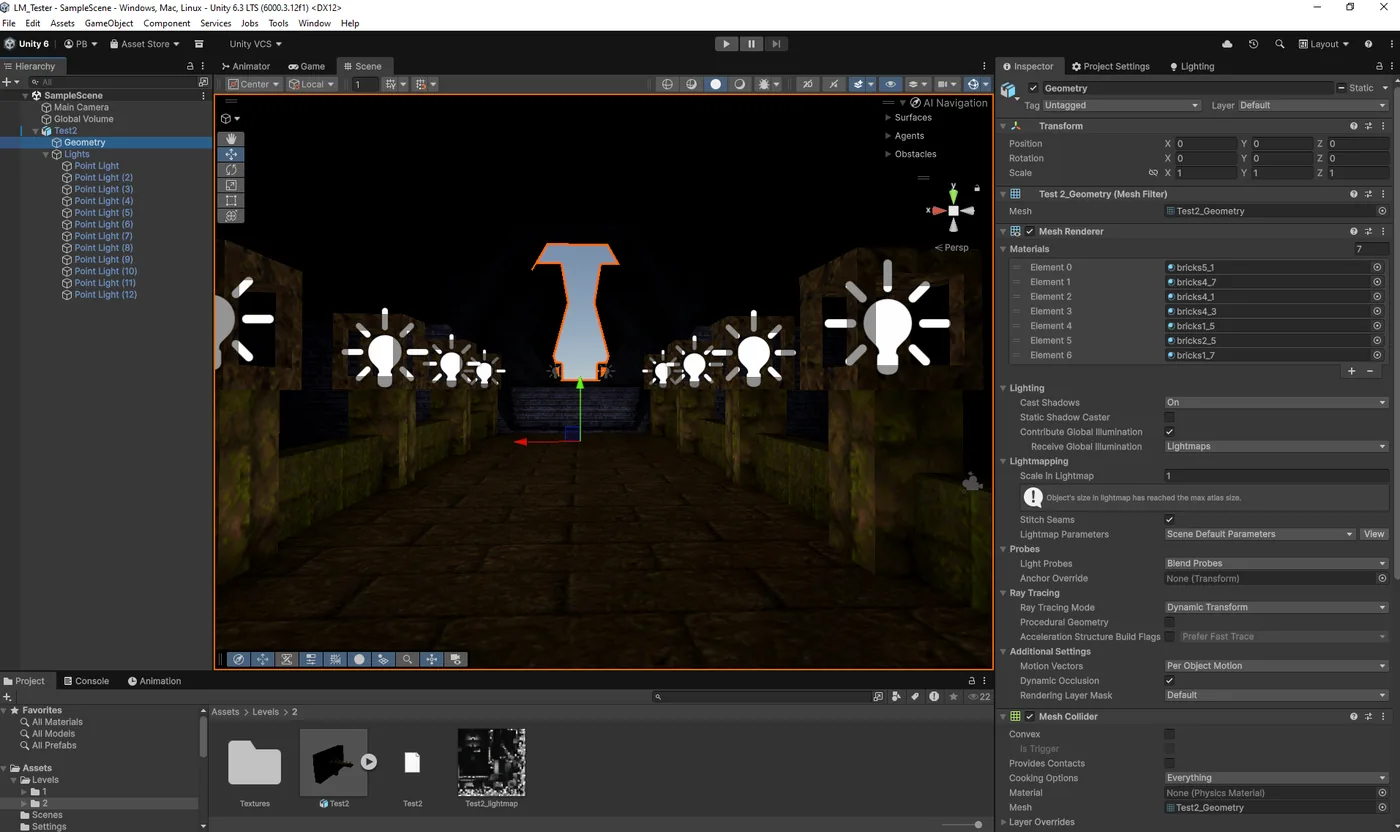
- Rooms import correctly — the importer applies the inside-out orientation, including flips inherited down room subtrees, so interiors look in Unity exactly as they do in the editor.
- New
LmAvatarInfocomponent — the importer attaches it to the map root with every authored value (capsule dimensions, step offset, speeds, jump height, gravity, FOV). Size yourCharacterControllerand camera rig from it and the level plays exactly like the editor's walk mode. Values are in source units (meters), ready to scale by your build's world scale.