 Level Editor
Dev Update: Multi-Select Gizmo, Wall Tiling & More
Two busy weeks on the 2D editor. Here's everything that landed.
Marquee selection + transform gizmo
You can now drag a rectangle over empty space to select multiple vertices and
Things at once. A bounding-box gizmo appears around the selection with:
- 8 scale handles - to resize,
- 4 corner rotate zones - to spin the whole selection,
- a center handle - to move everything.
It works UV-editor style — grab a handle and go. Hold -Shift- while rotating for 15° snapping, and while scaling for uniform (aspect-locked) resize.
Duplication that behaves
Press Ctrl+D, or Alt-drag the gizmo, to duplicate the current selection.
The copy now stays "floating" — fully selected and movable — until you click away, hit Escape, or switch tools. Only then does it stitch itself into the map.
This fixes the old behavior where a copy would immediately fuse into surrounding sectors before you could position it.
Copies dropped flush against another sector's wall now connect properly: the shared edge becomes a real passage (portal) instead of staying a solid wall.
Grab the sector, not just the handle
Moving a selection no longer requires the tiny center cross. Click -anywhere inside a selected sector- and drag — the whole selection follows.
Wall Tile Mode
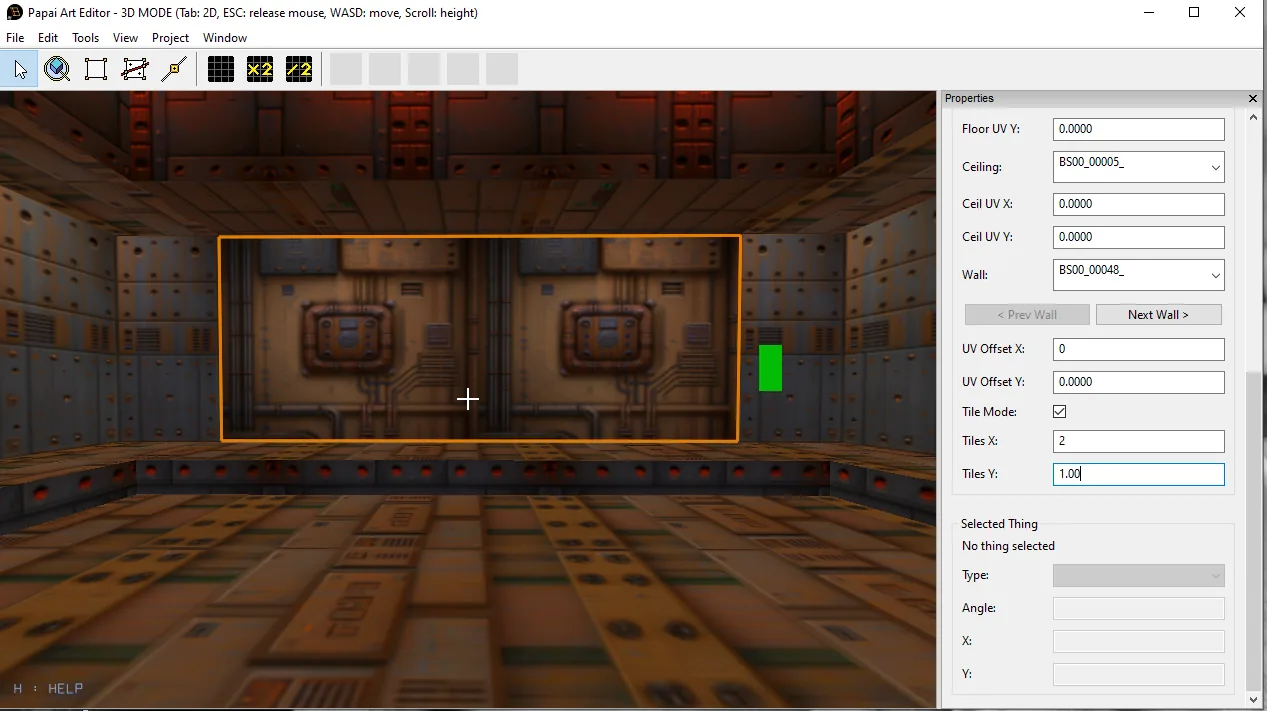
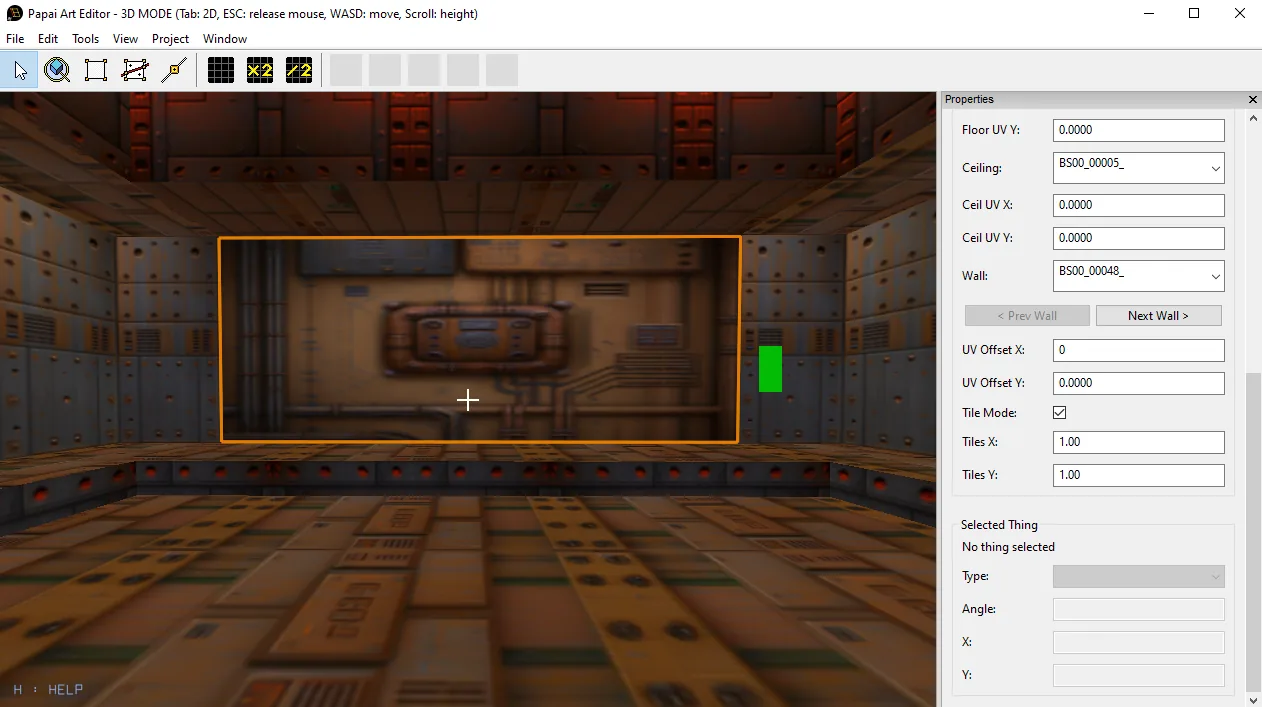
Each wall now has a -Tile Mode- toggle next to its UV offset. Turn it on and the texture stretches to fill that wall exactly, instead of repeating at world scale. You control how many times it repeats with adjustable Tiles X / Tiles Y values (fractional tiling supported, e.g. 2.5×). Splitting a tiled wall automatically turns Tile Mode off on both halves — "fill the whole wall" no longer makes sense once it's cut — while keeping every other wall's textures and settings correctly aligned.
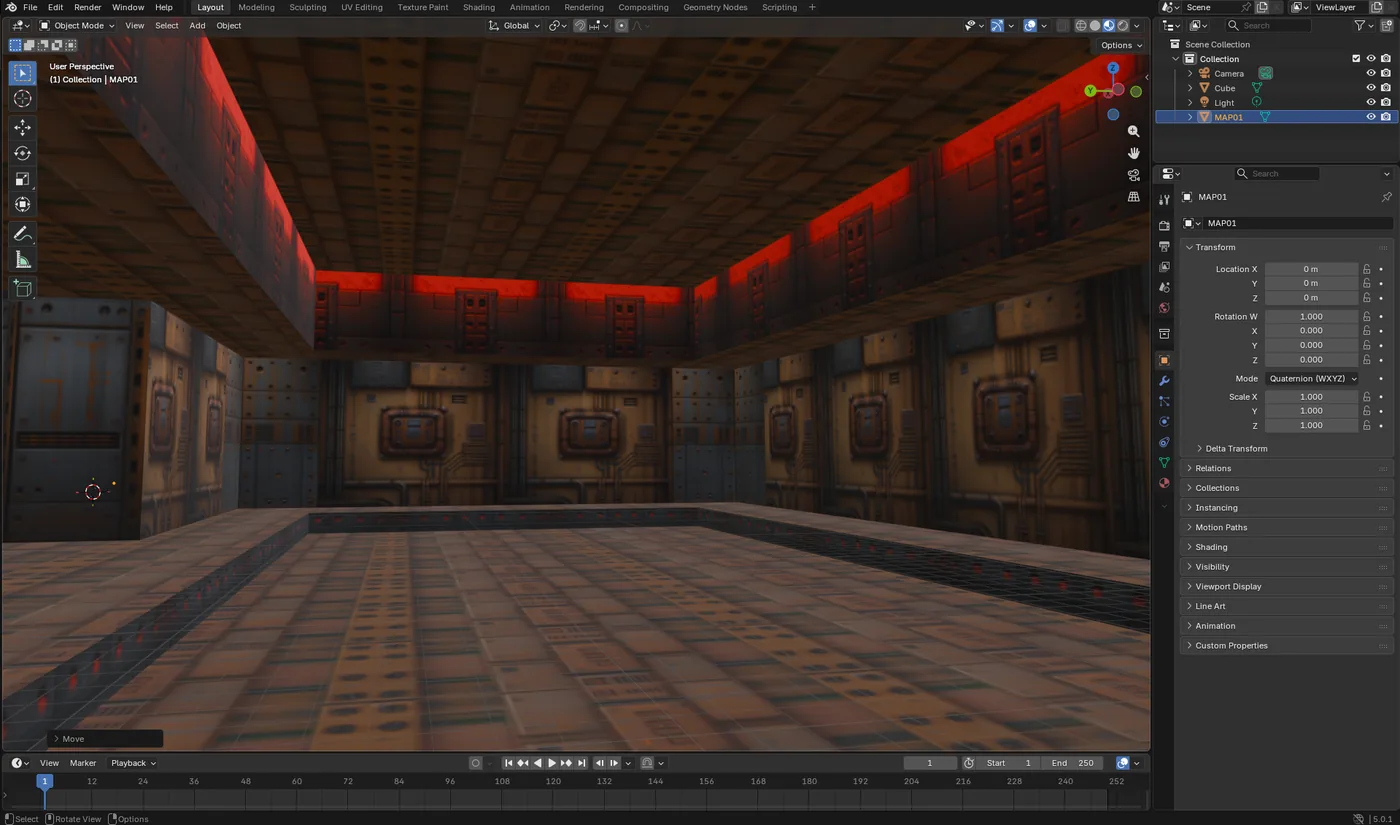
Your existing maps load exactly as before: the new settings default to off, so nothing changes visually until you opt in. The Unity importer package has been updated to match, so tiled walls render identically in-engine.
Origin gizmo in the 2D view
The world origin (0,0) is now marked with a clean, professional gizmo — tinted
X/Y axis lines across the viewport plus a fixed-size marker with directional arrows (red +X, green +Y). Much easier to keep your bearings while building.
Also
- New application icon.
- Various robustness fixes around vertex insertion, cutting, and per-wall texture/UV bookkeeping.
Thanks for playing along — more soon!