 Level Editor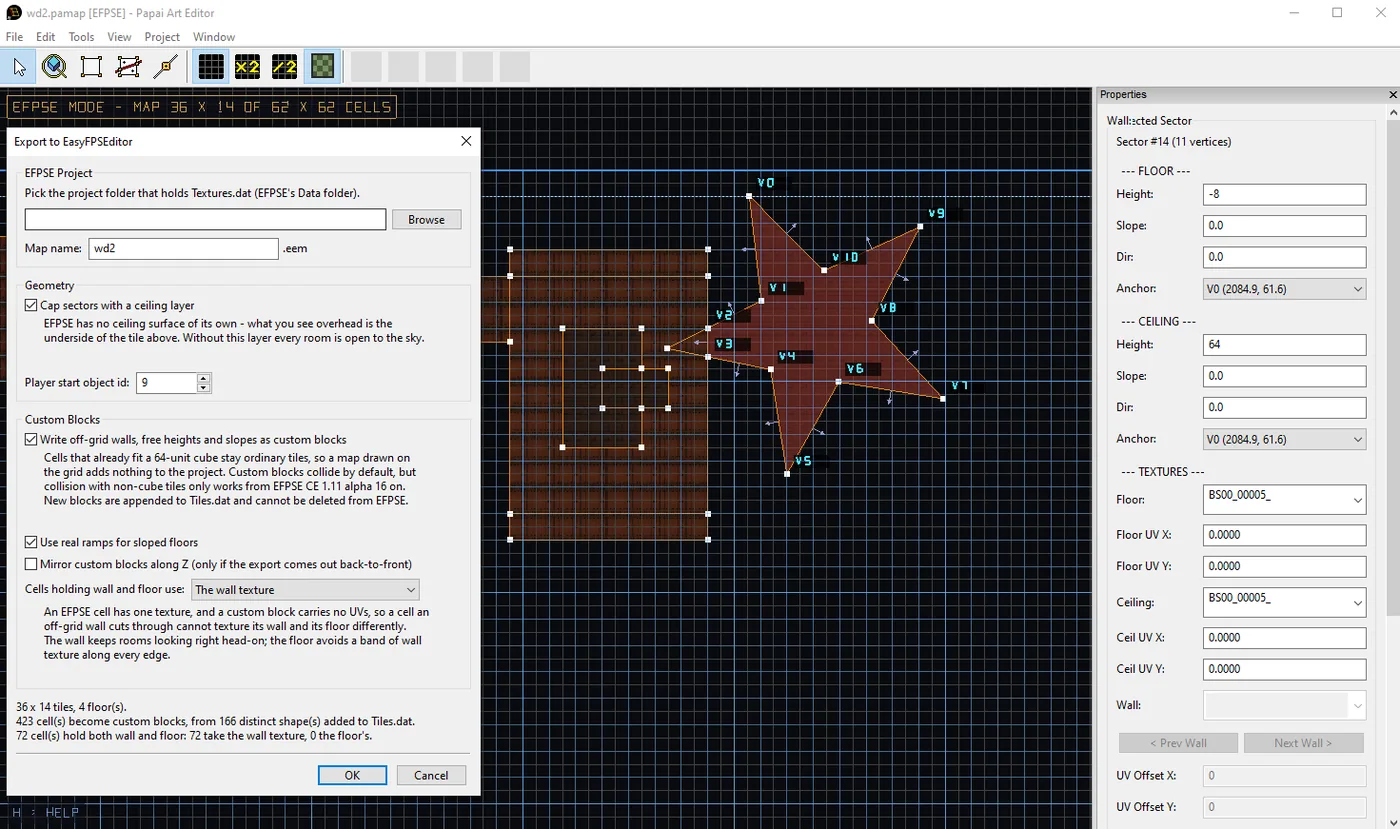
Your EFPSE maps are no longer stuck on the grid
Until now, exporting to EasyFPSEditor meant surrendering to its 64-unit cube grid: a diagonal wall came out as a staircase, and any floor height that wasn't a whole tile got rounded to one. That's over.
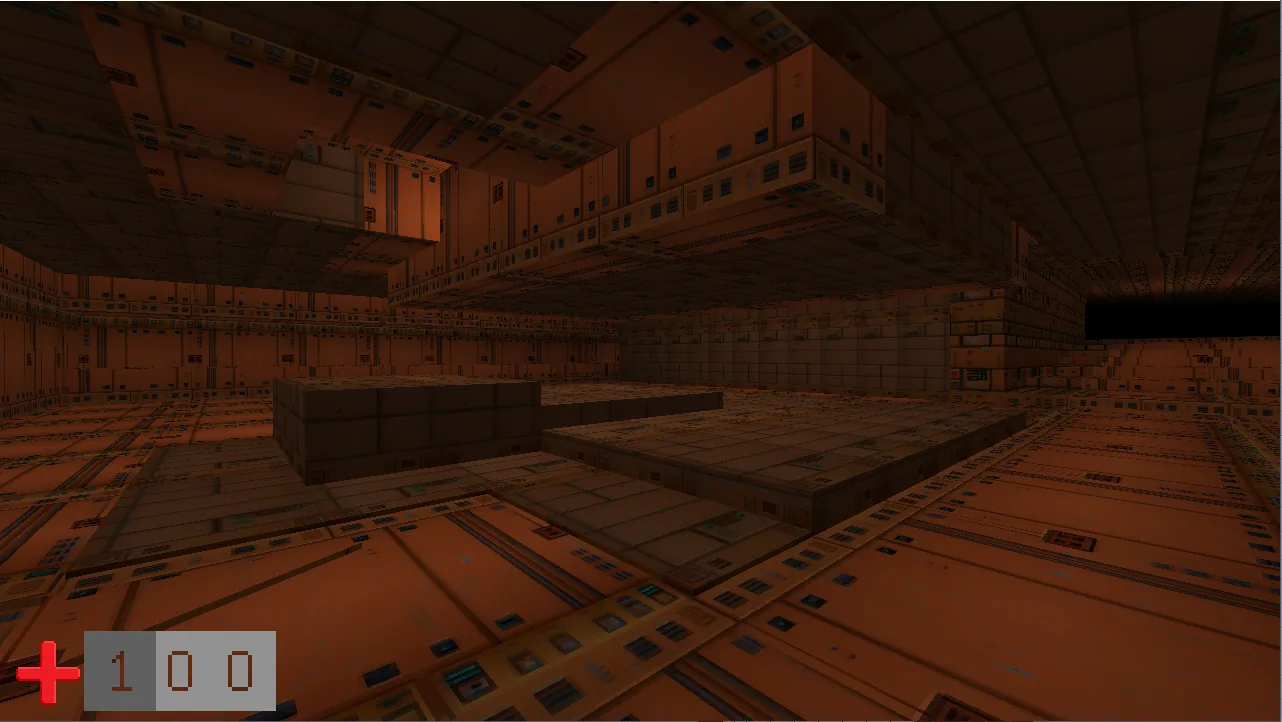
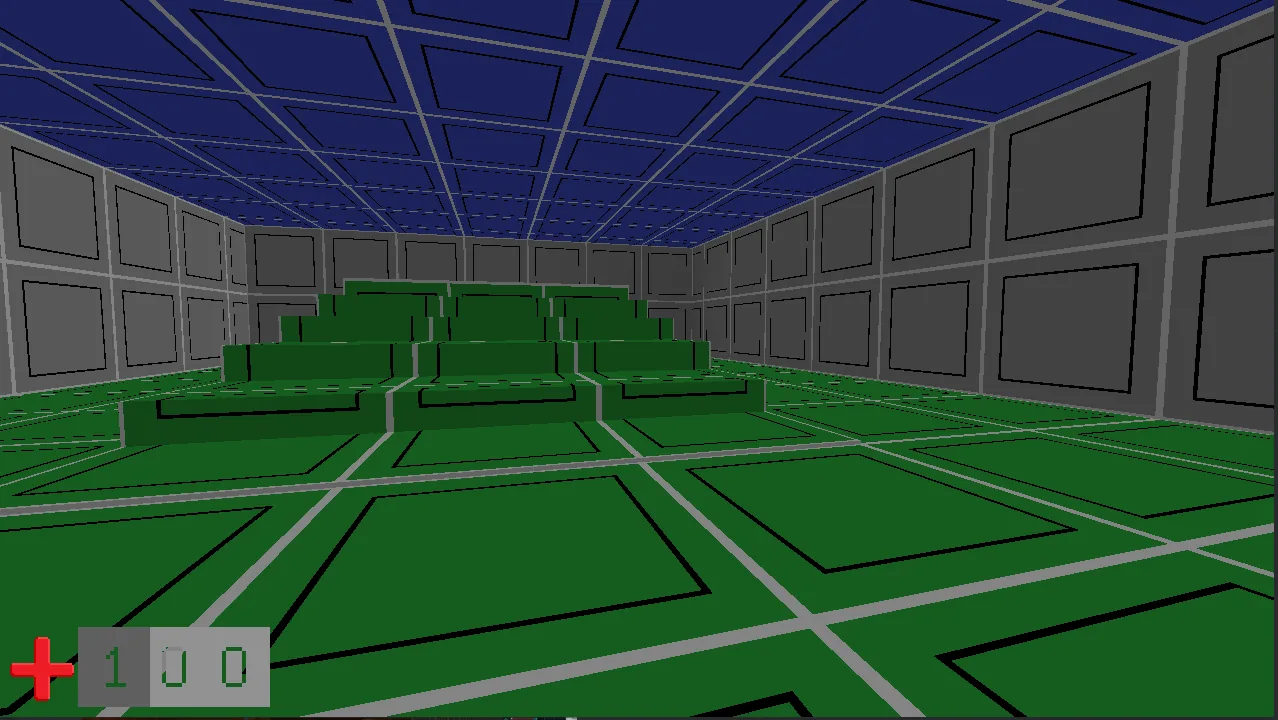
Angled walls, curved rooms, floors and ceilings between tile levels — they now export exactly as you drew them. Sloped floors come out as real ramps you can walk up smoothly, not a stack of steps. And a climb that spans more than one tile level stays smooth the whole way; no more mystery step in the middle of your ramp.
The best part: if your map is drawn on the grid, nothing changes and nothing extra is added to your project. You only pay for the freedom where you actually use it.
It works with your EFPSE, old or new
There are two generations of EFPSE out there, and they disagree about the format of almost every project file. Pick the wrong one and your map shows up in the list and then renders completely empty — or worse, renders someone else's blocks.
The exporter now detects which generation your project is and writes accordingly. You don't have to know, or care, which one you have.
The export dialog tells you what you're getting
Before anything is written, the dialog now shows you the cost of the export: how many cells need special handling, how many ramps you'll get, how much of it fits the grid perfectly. Toggle an option and the numbers update live.
New options:
- Custom blocks on/off — off keeps your project's block list completely untouched.
- Real ramps for sloped floors.
- A mirror switch, in case your export ever comes out back-to-front.
- Border cell texture — where a wall cuts through a cell, that cell has room for only one texture. You decide whether the wall or the floor keeps its look; the preview tells you how many cells that affects.
Your project won't get eaten
Exporting into an existing EFPSE project is now genuinely safe. Files are replaced only after the new version is verified, the old one is kept as a backup, existing textures never get renumbered, your map's music, fog and lighting settings survive re-exports, and every texture entry gets an actual image on disk — with a visible placeholder if the original was missing, so the project always opens.
EFPSE mode: a guide, not a cage
EFPSE mode used to lock your grid to 64 units and snap every point to it, because anything else got mangled on export. That's no longer true, so the handcuffs are gone.
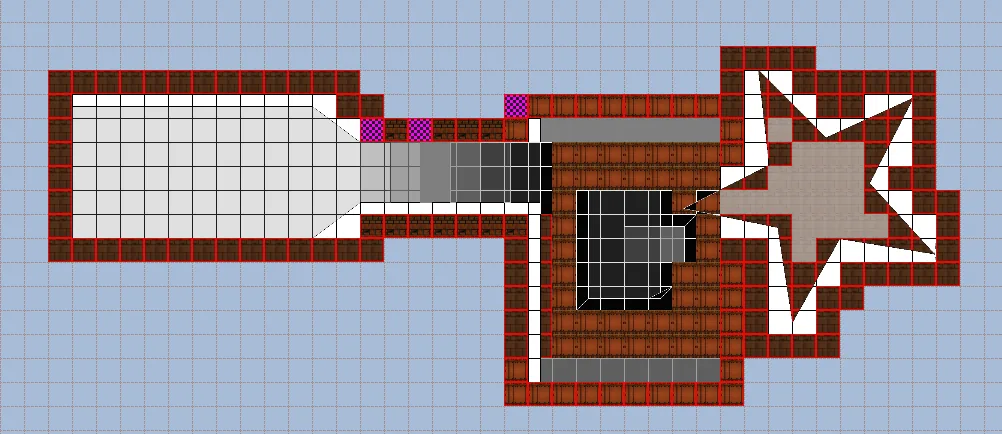
Instead you get the cell grid drawn clearly over your map, with a brighter line every 8 cells for counting, the map-size boundary always visible, and a status readout of how much of the 62×62 usable area you've used. Your own grid size is yours again.
In 3D, the mouse wheel moves floors and ceilings freely — and Ctrl + wheel snaps to exactly one engine cube when you want a surface to land on a proper level.
3D editing fixes
- Pillars are clickable again. Freestanding blocks inside a room used to be invisible to the mouse — clicks went straight through to the wall behind them.
- The selection outline is honest. It now frames the surface you actually clicked instead of the empty air above it.
- The camera stays on the floor. Raise a floor under your feet with the wheel and you rise with it, instead of ending up buried inside the surface you're editing.